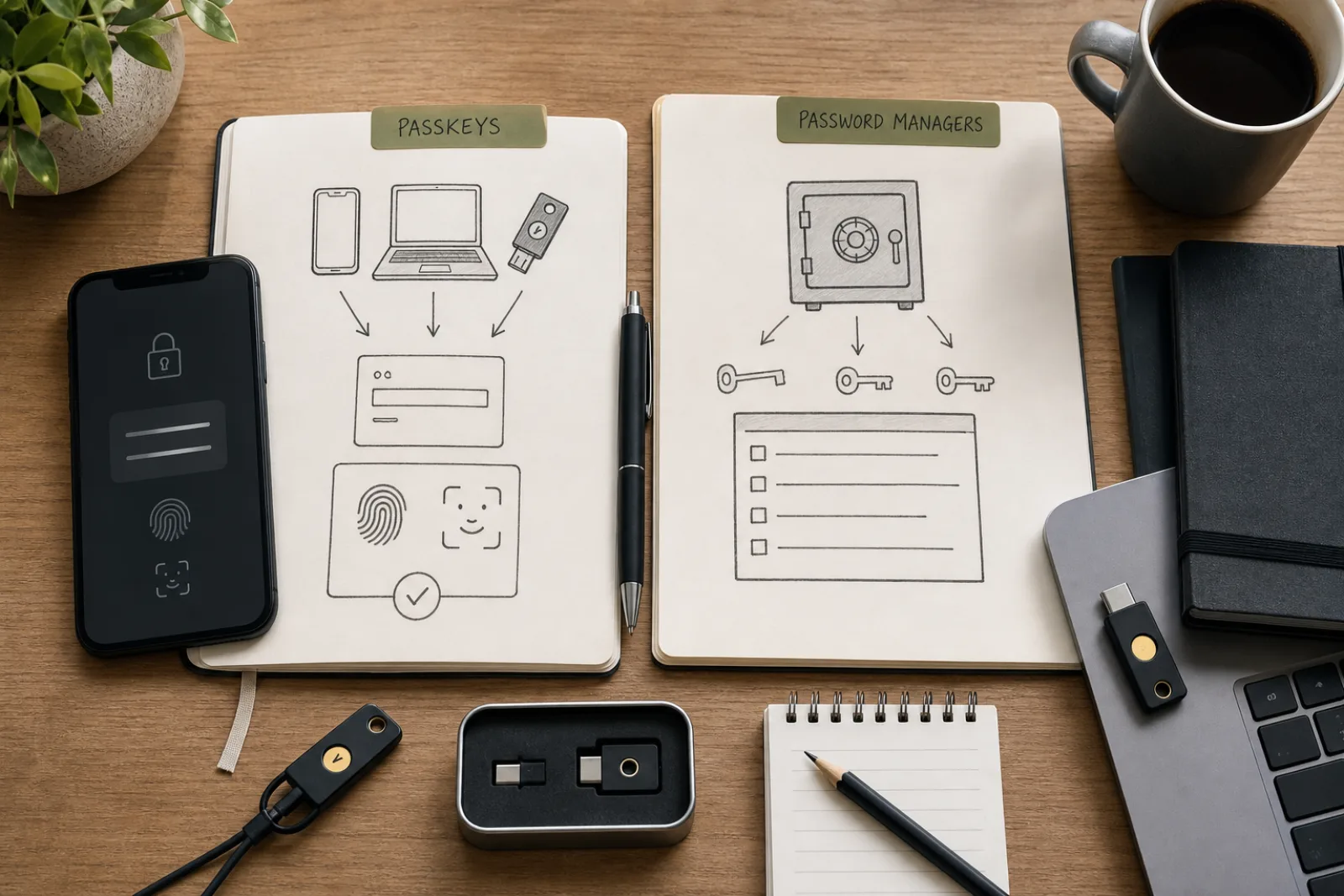
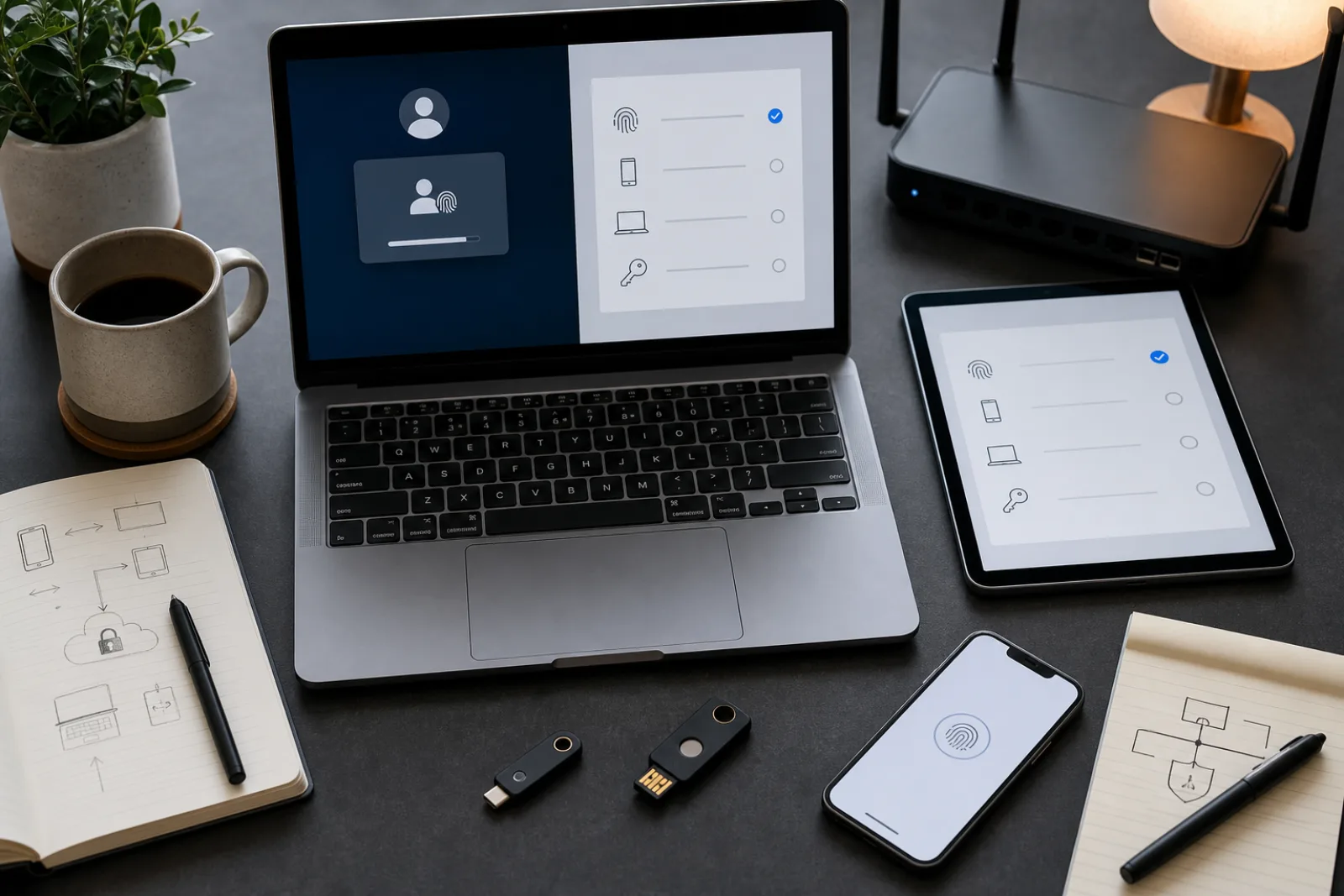
A passkey does not replace a password with a better password. It replaces the entire idea of a shared secret. When you type a password into a login form, you and the website both have to hold the same string of characters, and anything that can trick you into typing it into the wrong place, a lookalike domain, a fake login pop-up, a text message with a link, can walk off with it. A passkey never does that. It works with two mathematically linked keys: a private key that never leaves your device, and a public key that sits on the website's server and is useless to anyone who steals it.
That distinction is why banks, email providers, and operating system makers have spent the past three years pushing passkeys as the default. It is also why the pitch can sound like marketing rather than a real change in how sign-in works. It is a real change. But before you turn off password sign-in on an account that matters, the part worth understanding is not the part everyone advertises, it is what happens when the device holding your passkey is lost, stolen, or simply replaced.
Here is what actually happens on the wire. When you set up a passkey, the site (in the standard's terms, the "relying party") sends your device a random challenge. Your device's authenticator, whether that is the fingerprint sensor built into your phone or a separate USB security key, generates a new key pair for that site alone, signs the challenge with the new private key, and sends back the signature along with the public key. The site checks the signature against the public key and stores the public key against your account. According to Mozilla's technical documentation on the WebAuthn standard, the private key never leaves the authenticator at any point in that process, and the server never stores anything that could unlock your account if it were breached.
Signing in later repeats the same shape: the site sends a fresh challenge, your device signs it with the private key after you unlock the authenticator, and the site verifies the signature with the public key it already has. There is no password field to fill in, no code to copy from a text message, and no secret that travels from your device to the site's server. If an attacker breaches the website's database, as has happened to marquee companies for a decade of password breaches, all they get is a pile of public keys, which are not secret and cannot be used to sign in anywhere.
Password sign-in versus passkey sign-in, step by step
What actually crosses the network when you log in?
- 01Password flow
You type your password into a login form. The browser sends that password (usually hashed, but the plaintext value existed in the form field first) to the server, which compares it against its stored copy.
- If the form is on a lookalike domainThe phishing page simply logs the password as you type it, then relays it to the real site or uses it directly. Nothing about the password itself tells the browser the domain is wrong.
- If the real site's database is breachedAttackers get stored password hashes, which can be cracked offline, especially for reused or weak passwords.
- 02Passkey flow
The site sends a random challenge. Your browser checks which domain actually made the request and only offers passkeys registered to that exact domain.
- If the page is a lookalike domain (e.g. examp1e.com)The browser will not offer your example.com passkey at all. Per the WebAuthn scope rules, the passkey's stored domain must match the calling page's domain; a phishing page simply cannot request it.
- If the real site's database is breachedAttackers get only public keys. Public keys cannot be used to generate a valid signature, so they are useless for signing in.
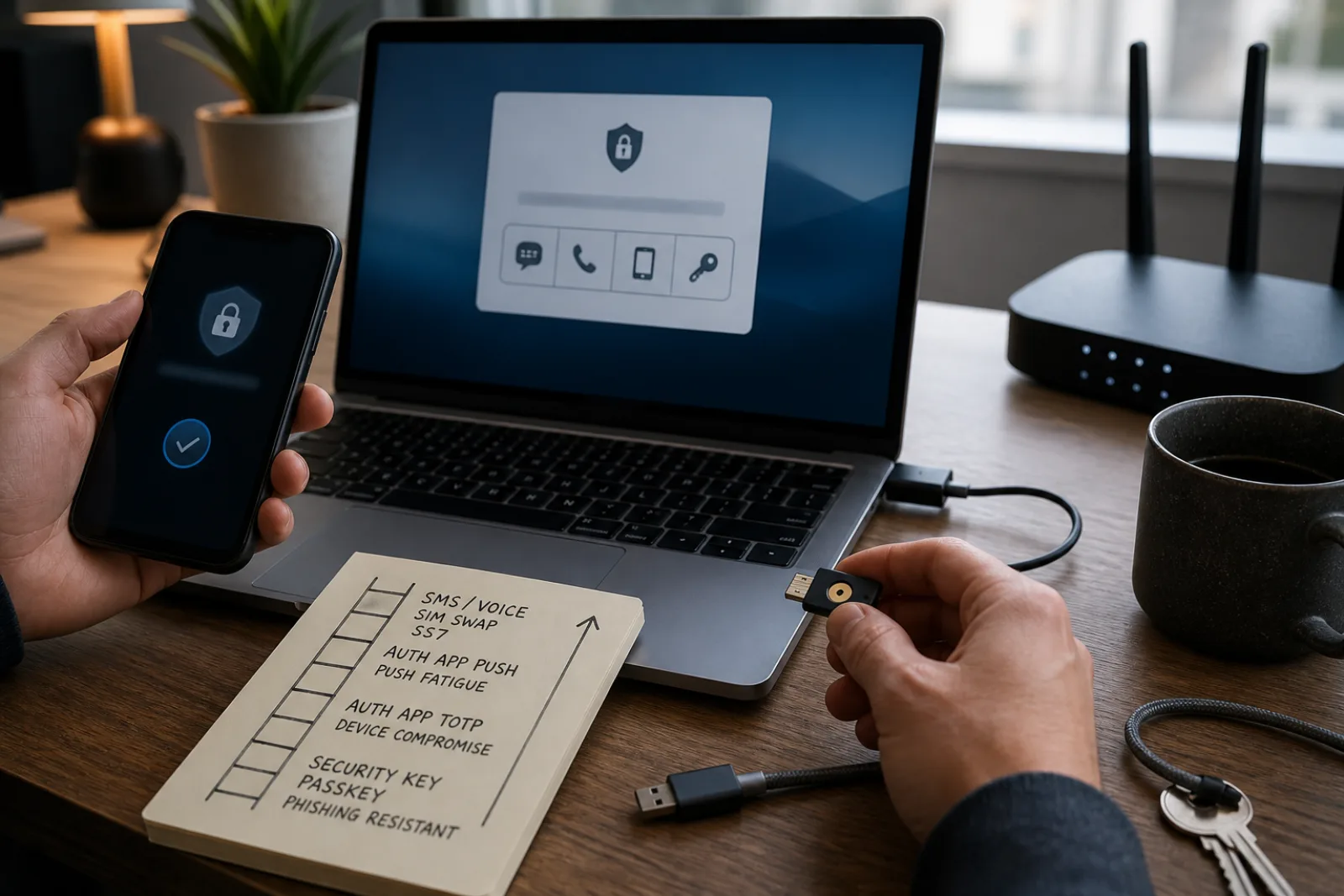
That domain-binding is the mechanism, not a side effect. NIST's authenticator classification, in the current SP 800-63B, states plainly that passwords and one-time codes sent by text or app are "not phishing-resistant," while cryptographic authentication methods like passkeys meet the bar for phishing resistance because the signed response is tied to the origin of the request. That is a more precise claim than "passkeys are safer." It means specifically that the class of attack where someone reproduces a login page pixel-for-pixel and harvests whatever you type into it no longer works, because there is nothing typed to harvest, and the credential itself refuses to respond to the wrong domain.
Passkey awareness rose from 39% of respondents in 2022 to 57% in 2024, according to FIDO Alliance's commissioned consumer survey.
World Password Day 2024: Executive Summary of Global Consumer Password and Passkey Trends
Passkeys come in two forms, and the difference matters for what happens when you switch phones. A synced passkey is generated on your device but then backed up, encrypted, through your platform account, iCloud Keychain, Google Password Manager, or a compatible third-party password manager like 1Password or Bitwarden, so it reappears automatically on your other devices signed into the same account. A device-bound passkey, the kind stored on a hardware security key like a YubiKey, stays on that one piece of hardware permanently and does not back up anywhere. Mozilla's documentation on WebAuthn calls these "platform authenticators" (built into the device, but shareable via cloud sync) and "roaming authenticators" (removable and portable between devices, but not synced).
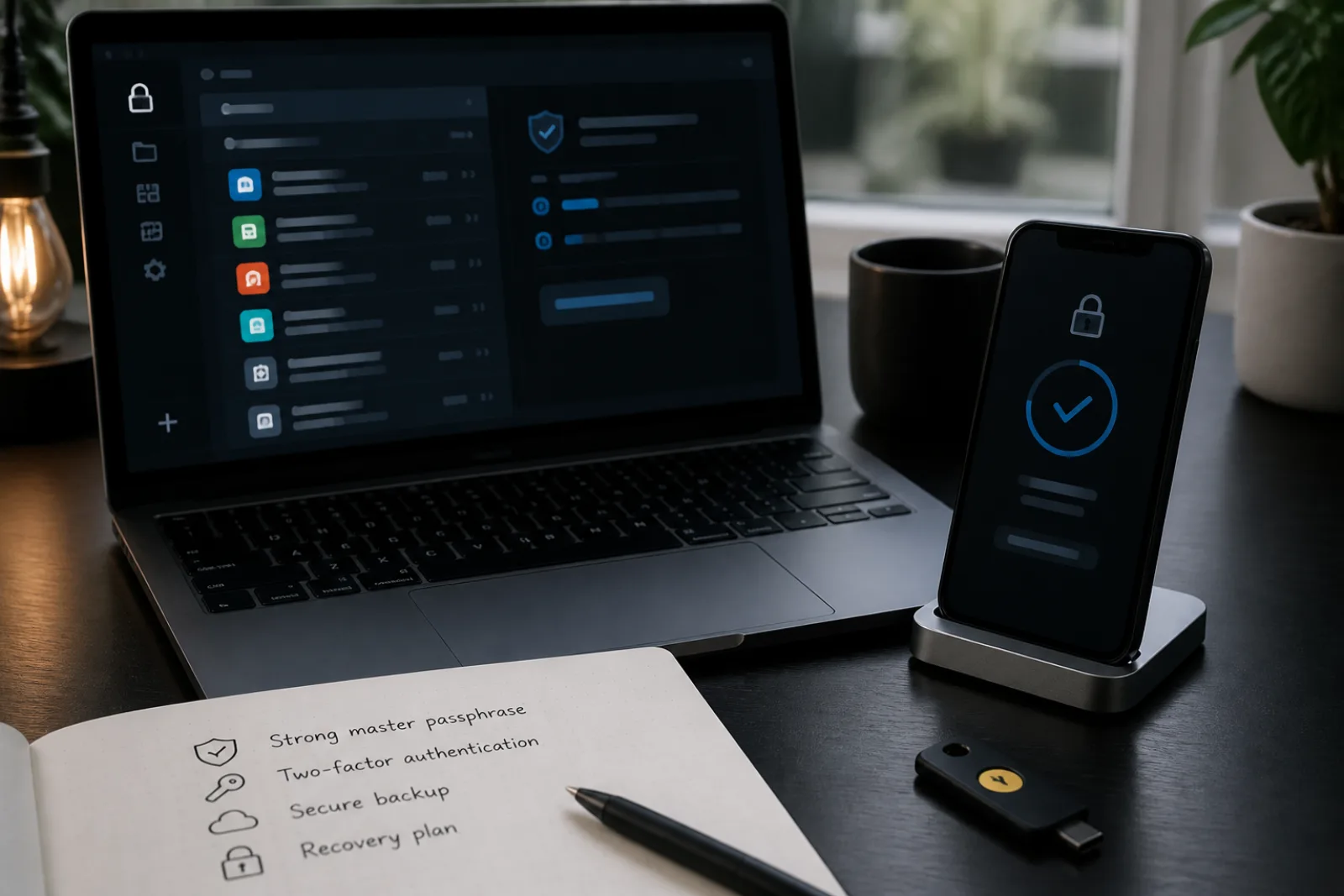
Most consumer passkeys you set up on a phone or laptop are synced by default, which solves the classic worry people have about passwordless systems: what if I lose the one device that holds my only copy? A synced passkey has copies wherever your platform account is signed in. But that convenience shifts the question rather than eliminating it. Now the security of your passkey depends on the security of your Apple ID, Google account, or Microsoft account, since that is the account actually holding the encrypted sync fabric. If that account itself is protected by a weak password and no second factor, the passkey system's stronger front door does not help.
This is also where the old advice about checking a service's "fallback path" turns out to be well-founded, not generic caution. NIST's 2025 revision to SP 800-63B added specific rules for account recovery precisely because losing an authenticator is common and expected, not an edge case. The guidelines recommend that services encourage people to register at least two independent authenticators (for example, a passkey plus a security key, or a passkey plus stored recovery codes) so that losing one does not force a fallback to something weaker. But NIST's rules govern how federal systems should be built; they do not control what a random shopping site or forum does when you click "I lost access."
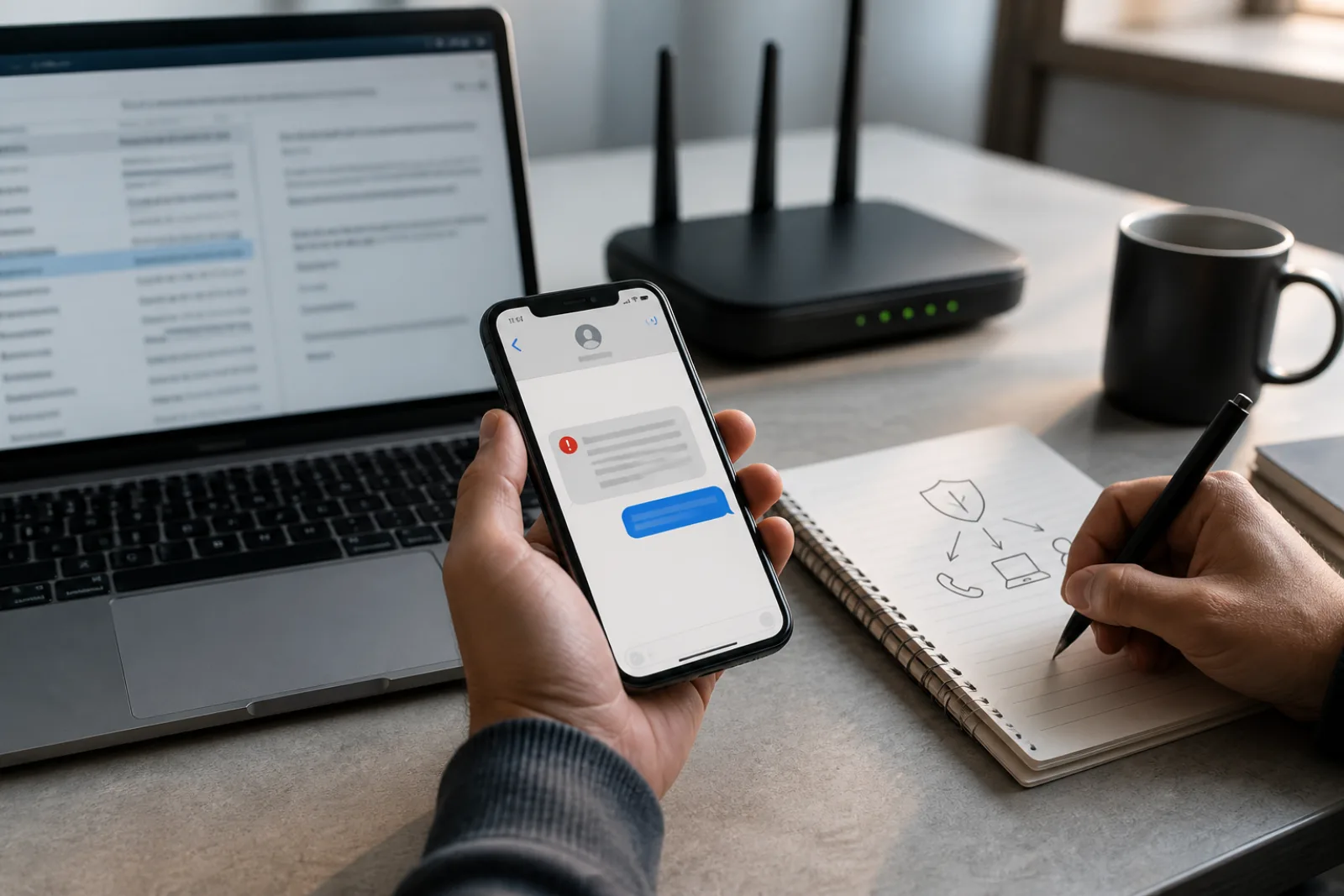
In practice, that fallback is often an email link, an SMS code, or a support agent who resets your account after you answer a security question. Each of those is worth checking before you retire a password entirely, because your account's real security level is set by whichever authentication path is weakest, not by whichever one you use most often. A passkey that resists phishing does nothing to stop an attacker who calls customer support, claims to have lost their phone, and talks their way into a password reset that bypasses the passkey altogether. That is not a flaw in the passkey; it is a flaw in a recovery process the passkey was never designed to cover.
Before you drop the password option on an account
- 01Check whether the passkey is synced or device-bound
Synced passkeys survive a lost phone automatically; a device-bound passkey on a single security key does not, so you need a second registered authenticator as backup.
- 02Find the account's actual recovery process, not just its passkey setup screen
Look for what happens when you click "I can't sign in." If it's an SMS code or a support call with light identity verification, that is your account's real security ceiling.
- 03Register a second authenticator on any account you can't afford to lose
A second passkey on a different device, or a hardware security key kept separately, avoids relying on any single fallback path.
- 04Secure the platform account your passkeys sync through
If your passkeys sync via your Apple ID, Google account, or Microsoft account, that account's own password and second factor become the effective root of your security.
Questions
- 01Can someone steal my passkey if my phone is stolen while unlocked?
Using a passkey on a stolen, unlocked phone is possible in the same way that using any app on that phone is possible; the passkey itself still requires a local unlock (biometric or PIN) to authorize each individual sign-in, per the WebAuthn user-verification step, so a thief would need to pass that check each time, not just once.
- 02What happens if a website supports passkeys but I never had one to begin with?
Nothing changes for existing password sign-ins. Passkey support is opt-in; adding a passkey to an account does not remove the password unless the service explicitly requires you to disable it, which most do not.
- 03Do passkeys work the same way across Apple, Google, and Microsoft devices?
The underlying WebAuthn standard is the same, but syncing is generally scoped to one company's ecosystem (iCloud Keychain syncs among Apple devices, Google Password Manager among Android/Chrome devices). Cross-platform use is possible via QR-code and Bluetooth pairing, which lets a phone act as an authenticator for a sign-in happening on an unrelated computer.
None of this is an argument against switching. The phishing-resistance case for passkeys is not marketing; it follows directly from the mechanics of public-key cryptography and domain binding, and NIST's own classification confirms it. The argument is narrower: understand which type of passkey you are getting (synced or device-bound), register more than one authenticator on accounts you cannot afford to lose, and treat the recovery flow as part of the account's security, not an afterthought to be dealt with only in an emergency. A sign-in method that cannot be phished is still only as strong as the door left open behind it.