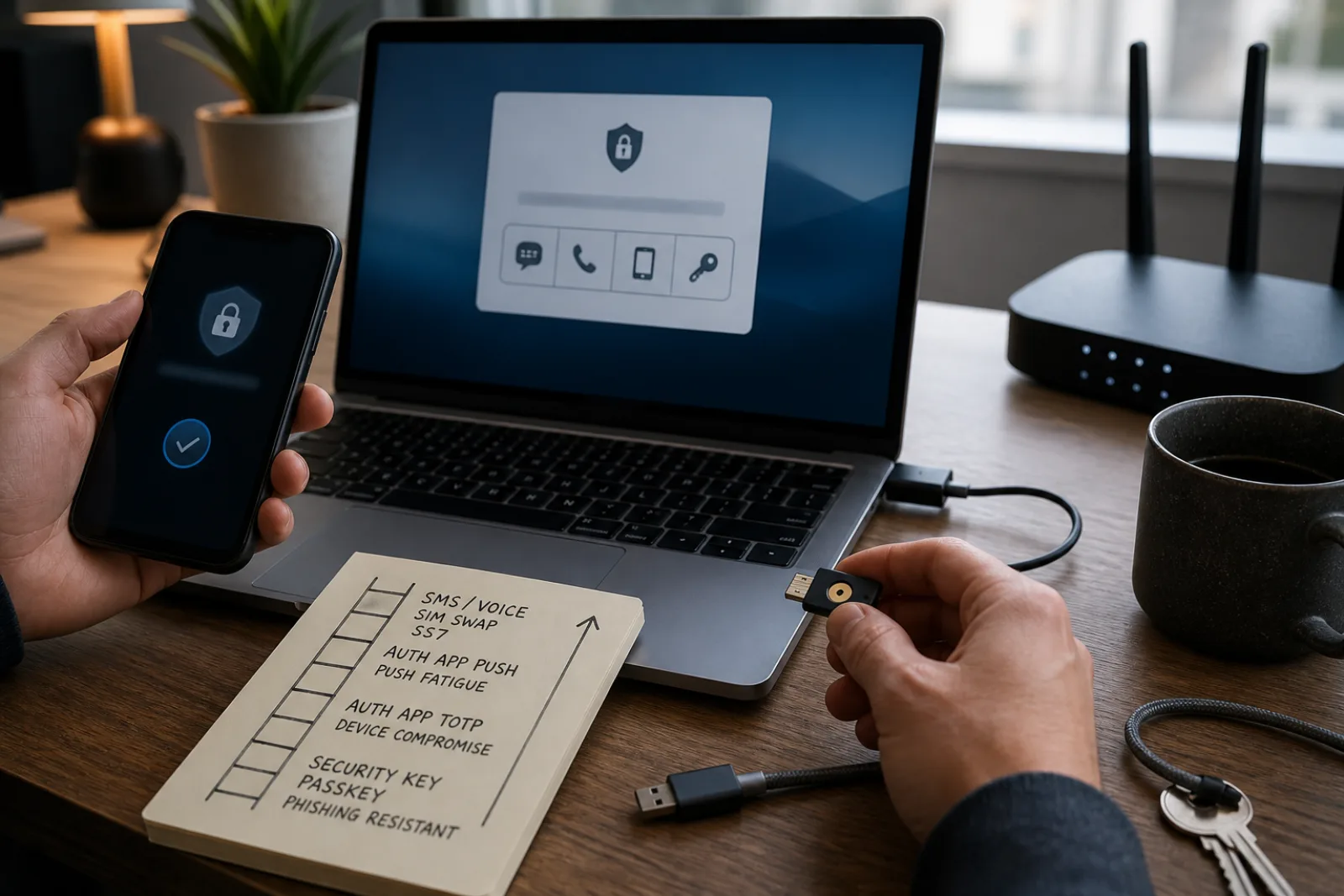
Most login screens present multifactor authentication as a single checkbox: turn it on, pick a method, done. But "a text message," "an authenticator app," and "a security key" are not versions of the same protection with slightly different delivery. Each one defends against a different set of attacks, and each one has a specific, named way attackers get around it. CISA's fact sheet on phishing-resistant MFA lays out those attacks directly rather than in the abstract: SIM swapping, SS7 exploitation, and MFA fatigue, or "push bombing," are the terms to know, because they explain exactly why the agency ranks these methods the way it does.
The upgrade path CISA and NIST both point toward is not about picking the fanciest option. It's about matching the second factor to what you're actually trying to stop, and prioritizing the accounts, starting with your primary email, where a compromise would cascade into everything else.
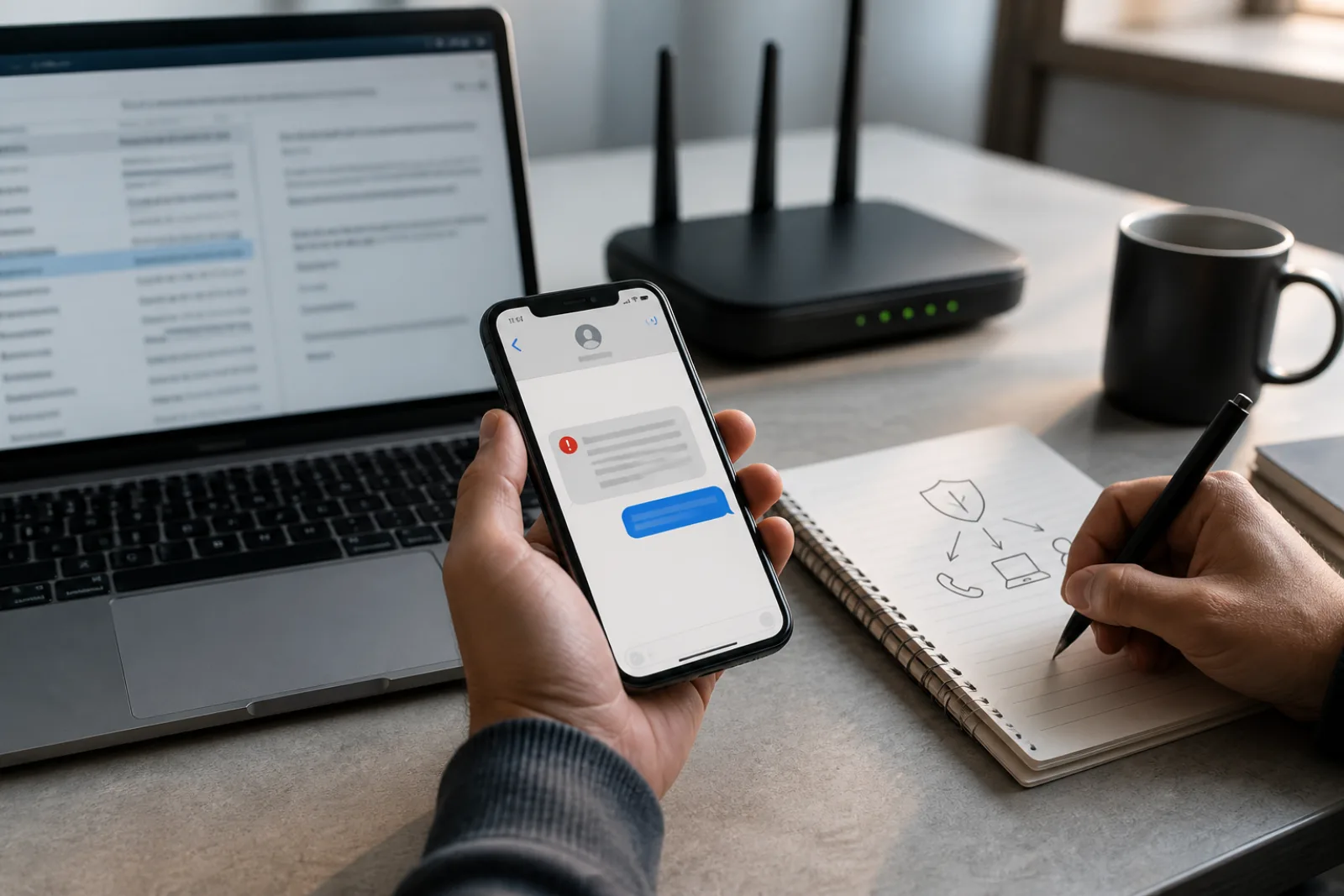
Start with SMS and voice codes, the most widely used form of MFA and, per CISA's guidance, the weakest against a motivated attacker. The fact sheet names two specific mechanisms threat actors use to intercept these codes. The first is SIM swapping: an attacker contacts your mobile carrier, impersonates you with enough personal information to pass identity checks, and convinces the carrier to move your phone number onto a SIM card they control. Every text message meant for you, including your MFA codes, now goes to them instead. The second is exploitation of SS7, the decades-old signaling protocol carriers use to route calls and texts between networks, which has known vulnerabilities that let an attacker intercept messages without ever touching your phone or SIM.
These aren't hypothetical. The FBI's Internet Crime Complaint Center tracked 982 SIM-swapping complaints in 2024, with reported losses of roughly $26 million, a real decline from about $72.6 million in 2022 as banks and carriers have added friction to SIM transfers. The number is falling, which is worth noting rather than ignoring, but it's still tens of millions of dollars moving through a single, well-documented attack against a single MFA method. That's the concrete version of "SMS-based MFA is weaker," not a vague preference for newer technology.
Reported SIM-swap losses fell by roughly two-thirds from 2022 to 2024 as carriers and banks added transfer safeguards, but the attack remains active and is the specific reason CISA discourages SMS-based MFA where a stronger option exists.
2024 Internet Crime Report · accessed 2026-08-11 · Figures in millions of dollars, from FBI IC3's three-year complaint and loss comparison table for SIM-swapping incidents reported to the agency.
Authenticator apps, the kind that generate a rotating six-digit code on your phone without needing a text message or cell signal, close both of those specific holes. There's no SIM to swap and no SS7 message to intercept, since the code is generated locally from a shared secret set up when you first scanned the app's QR code. But apps introduce a different weakness where they use push notifications instead of typed codes: MFA fatigue. CISA's fact sheet describes this as an attacker who already has your password sending repeated login approval requests to your phone, sometimes at odd hours, hoping you'll tap "approve" out of habit, confusion, or simple exhaustion, rather than verify the request is real. This is not a theoretical edge case; CISA issued a separate fact sheet specifically recommending number matching, a setting that forces you to type a number shown on the login screen into your app rather than tapping a single approve button, as a direct countermeasure. If your accounts offer number matching, turn it on; it closes the fatigue attack without requiring new hardware.
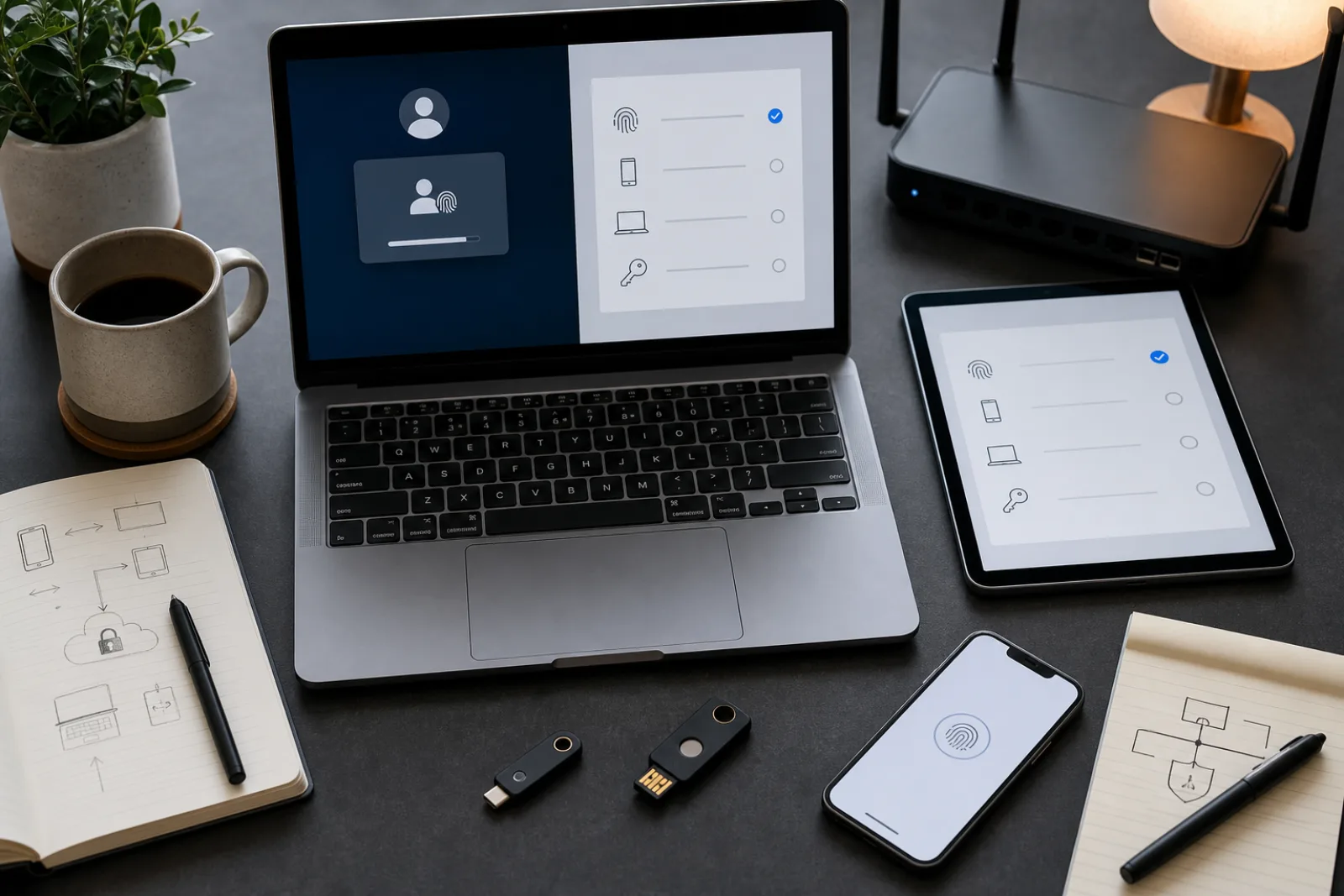
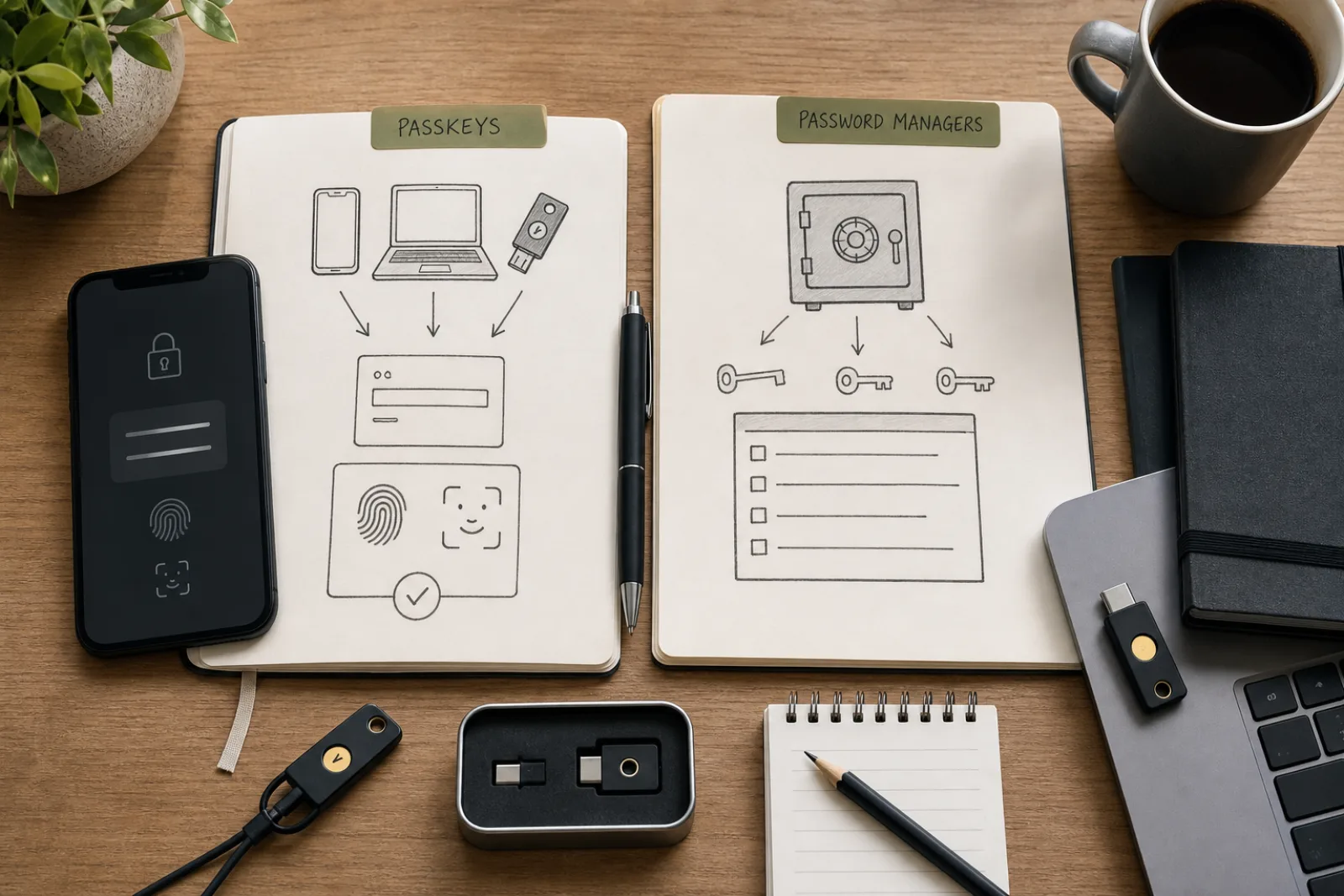
Security keys and passkeys sit above both of these. NIST's authenticator classification is specific on this point: memorized secrets (passwords), look-up secrets (backup codes), out-of-band methods (SMS, voice, and most push notifications), and one-time passcodes are all explicitly labeled "not phishing-resistant." Only cryptographic authentication, single-factor or multi-factor, meets NIST's bar for phishing resistance, and only when it satisfies specific binding requirements the standard lays out. In practice, that means a hardware security key (a physical USB or NFC device you tap or insert) or a passkey. Both work the same way under the hood: the site sends a challenge, your device signs it with a private key that never leaves the device, and the signature is cryptographically tied to that exact website's domain. A fake login page, no matter how convincing, cannot get a valid signature out of a security key or passkey, because the domain-matching check happens automatically and silently before anything is signed.
- SMS or voice call code
- Stops basic password guessing. Does not stop SIM swapping or SS7 interception, both named by CISA as active attack methods against this category.
- Authenticator app (rotating code, typed manually)
- Stops SIM swapping and SS7 interception, since no telecom network is involved. Can still be defeated by a phishing page that relays your password and code to the real site in real time.
- Authenticator app (push notification, tap to approve)
- Same protections as a typed code, but vulnerable to MFA fatigue unless number matching is enabled, per CISA's dedicated guidance on the issue.
- Hardware security key (FIDO2/WebAuthn)
- Meets NIST's phishing-resistant standard. The signed response is bound to the actual website's domain, so a lookalike phishing site cannot obtain a valid signature.
- Passkey
- Same phishing-resistant standard as a security key, built into the device rather than a separate piece of hardware; can be synced across devices depending on setup.
Based on CISA's Implementing Phishing-Resistant MFA fact sheet and NIST SP 800-63B's authenticator classifications.
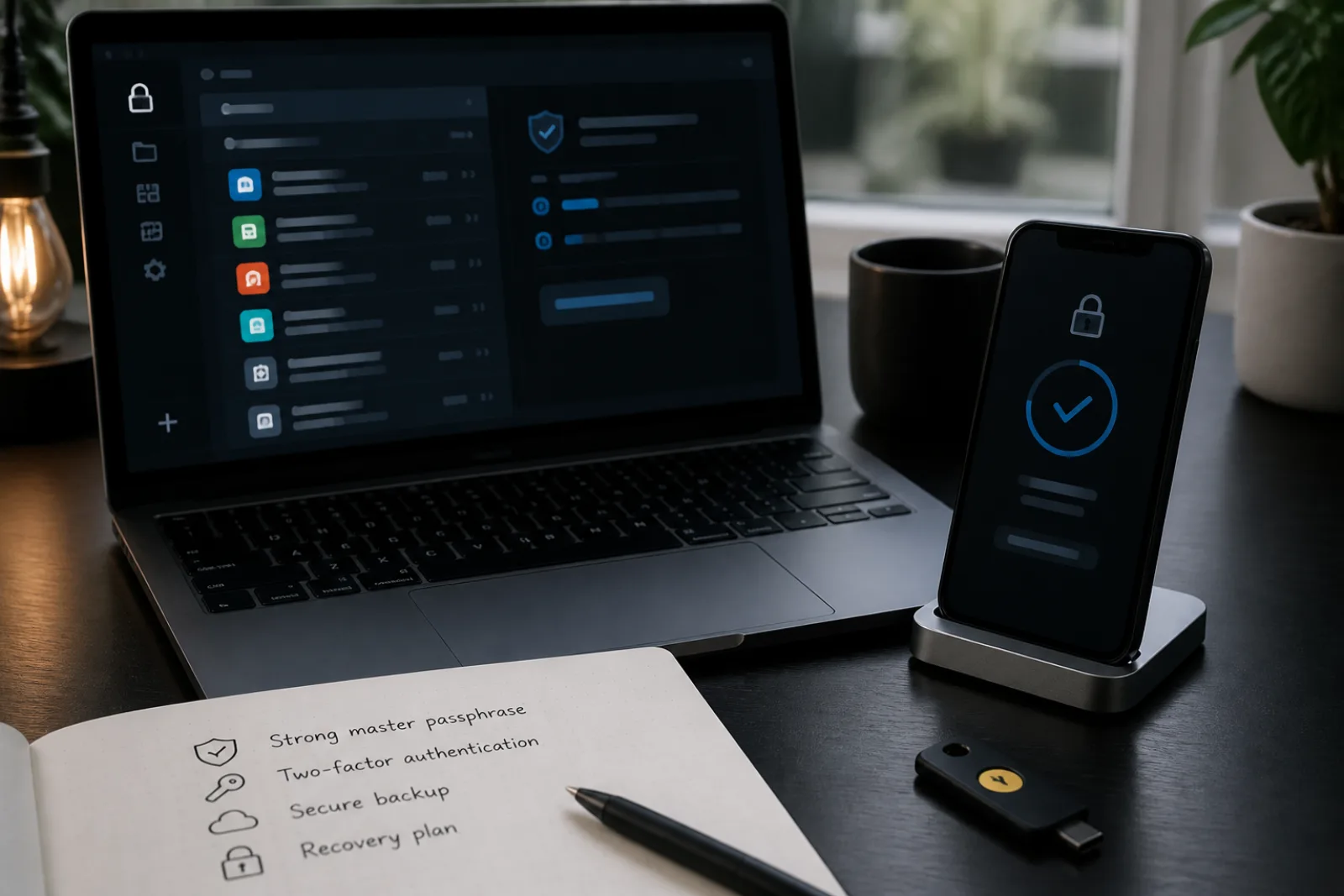
Backup codes deserve their own mention, since nearly every service that offers app-based or key-based MFA also gives you a set of one-time recovery codes when you set it up. NIST classifies these as "look-up secrets," a physical or electronic record of secrets meant specifically for the case where your primary authenticator is lost, stolen, or broken. They are not phishing-resistant either, since they're just a set of static strings someone could copy off a screen or a note left in the open, but they exist for exactly the scenario a hardware key or authenticator app can't solve on its own: what happens when the device holding your second factor is gone. The right place for them is printed or handwritten, stored somewhere other than the device they're backing up, not saved in a note on the same phone, and not photographed into the same cloud photo library the phone backs up to automatically.
Coverage matters as much as method. CISA's public MFA campaign lists email, banking, and other high-value accounts as the priority targets, and email deserves to go first among those, ahead of accounts that might feel more sensitive on their face. Nearly every other account's password-reset flow runs through email: lose control of your inbox, and an attacker can trigger and intercept password resets for your bank, your cloud storage, and anything else tied to that address, regardless of how well those other accounts are individually protected. Securing email with the strongest MFA method that account supports is not just one item on a list; it's the item that determines how much the rest of the list is worth.
Upgrading MFA without locking yourself out
- 01Start with your primary email
It's the reset path for most other accounts, so it should get the strongest method the provider offers before anything else.
- 02Move off SMS where a stronger option exists
Switch to an authenticator app or security key on accounts currently using text-message codes, since SMS is the method CISA specifically flags for SIM-swap and SS7 exposure.
- 03Turn on number matching for push-based apps
If your authenticator app supports it, this closes the MFA fatigue gap CISA warns about without requiring new hardware.
- 04Register a second method before removing the first
Add a security key or passkey alongside your existing method rather than replacing it outright, so you aren't locked out mid-transition if setup fails.
- 05Store backup codes offline, away from the device they rescue
Print or write them down; a backup code stored only on the phone it's meant to recover doesn't help when that phone is the problem.
Questions
- 01Is any MFA better than no MFA, even SMS?
Yes. SMS-based MFA still stops the overwhelming majority of automated password-guessing and credential-stuffing attacks, which don't involve SIM swapping at all. The upgrade path matters most for accounts specifically worth a targeted attack, like email, banking, and cryptocurrency exchanges.
- 02Can I use the same authenticator app for every account?
Yes, a single authenticator app can hold codes for dozens of separate accounts; each one is set up independently when you scan that service's QR code, and they don't interfere with each other.
- 03What if a service only offers SMS as a second factor?
Use it anyway rather than skipping MFA entirely, since it still blocks password-only attacks. Where you have a choice between a service that supports app-based or key-based MFA and one that doesn't, and the account holds anything sensitive, that support is worth weighing in the decision.
None of these methods is equally resistant to interception or social engineering, and that's precisely the point of ranking them rather than treating "MFA" as one setting to flip on and forget. Move each account up the ladder as far as it supports, starting with the inbox everything else depends on, and keep a genuine backup, offline and away from the phone it protects, for the day a device is lost rather than stolen.