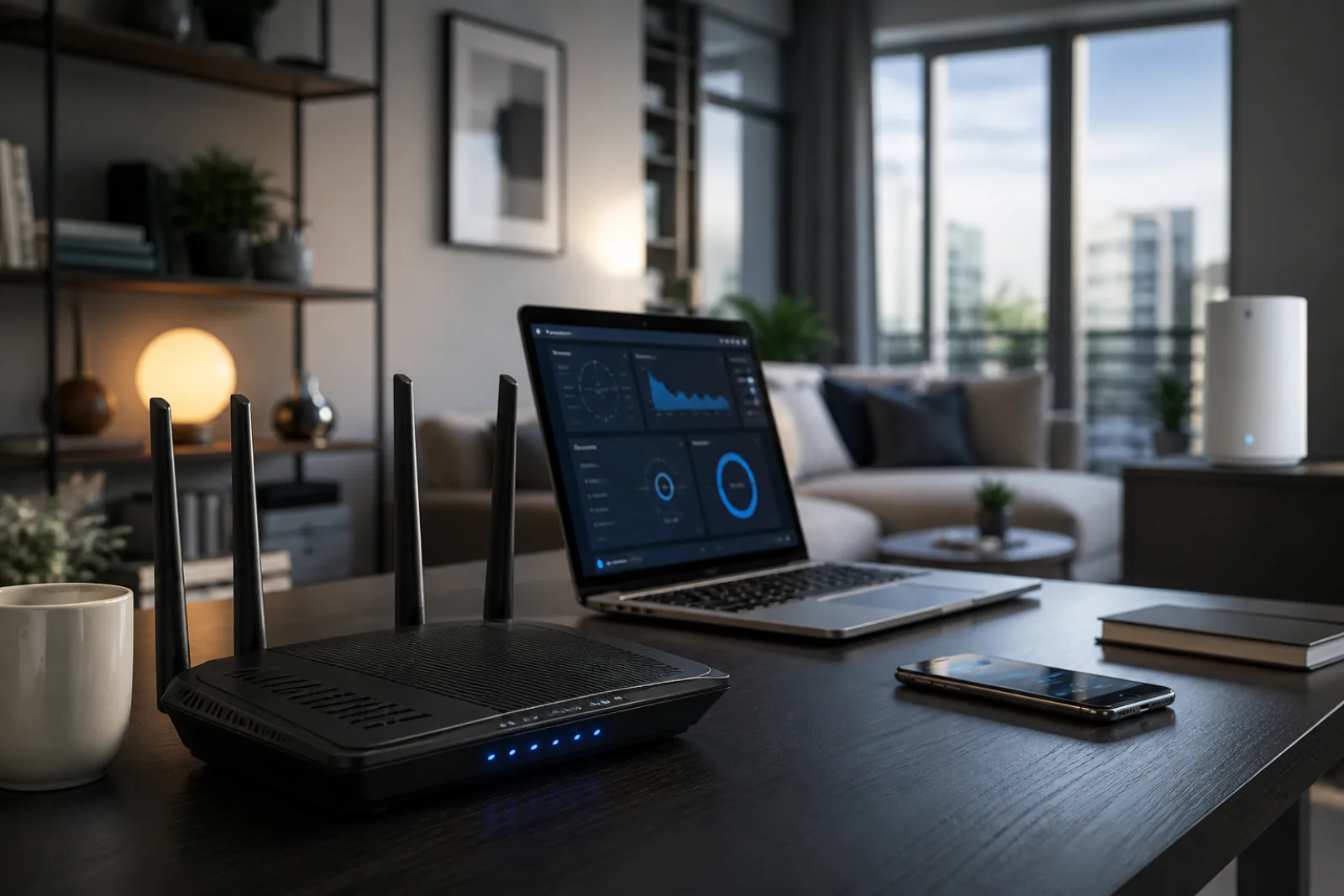
The usual failure is not the plan speed. It is an ISP gateway left in a closet, on the floor, or against an exterior wall, while 5 GHz and 6 GHz die on the first masonry wall. Placement, band, and whether you need mesh are the actual coverage tools.
In-home Wi-Fi coverage is a radio problem, not a billing problem. The FCC's home-network tips put the router in a central location and treat 2.4 GHz, 5 GHz, and mesh as separate tools; Google Nest and Netgear add elevation, line of sight, and a short list of materials that block signal (metal, masonry, mirrors, water). A faster plan only helps once the radio can reach the room you are standing in.
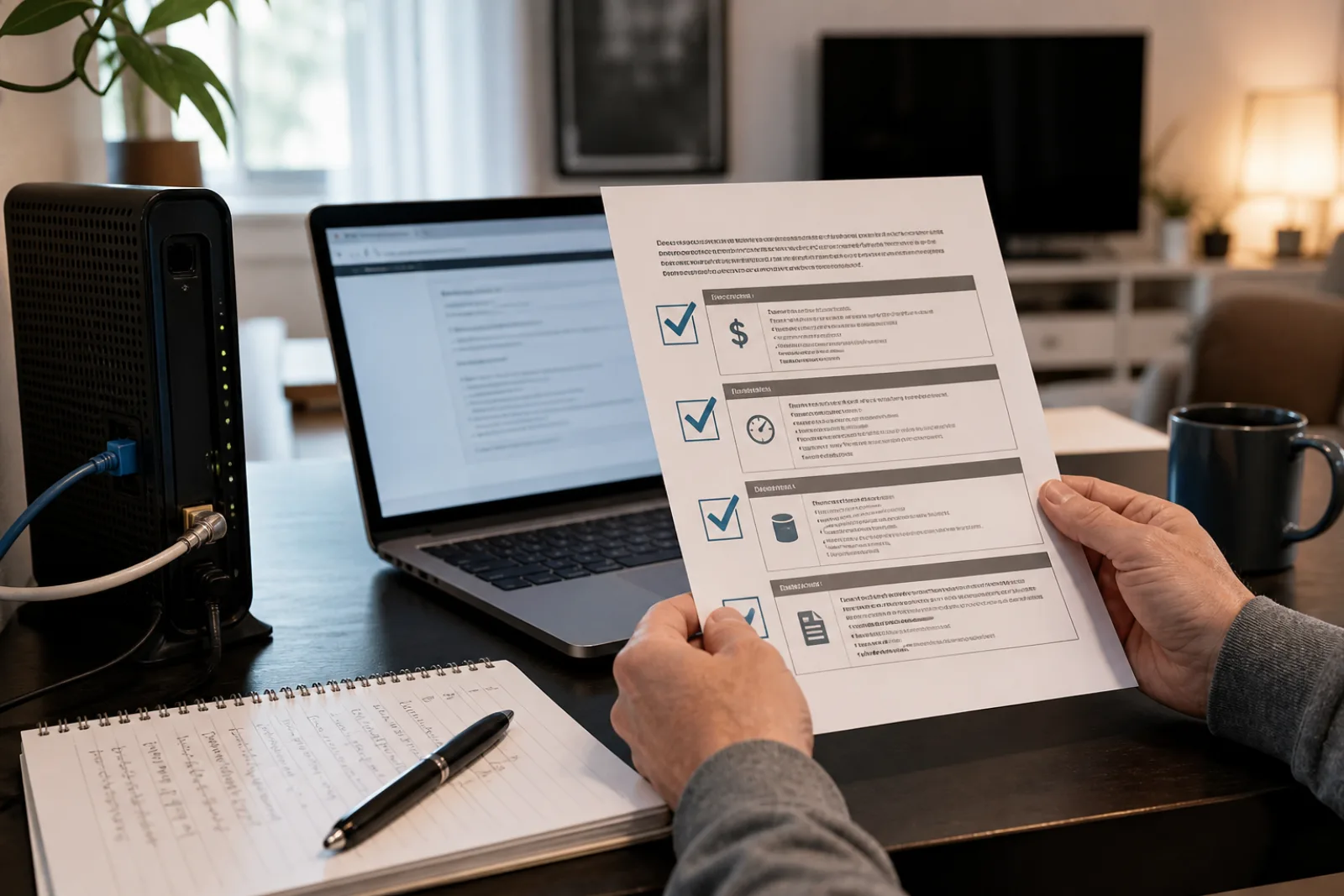
Ignore the plan name's 'up to' speed. The FCC label's typical download, typical upload, post-promo price, and data allowance are the four fields that actually describe the service you are buying.
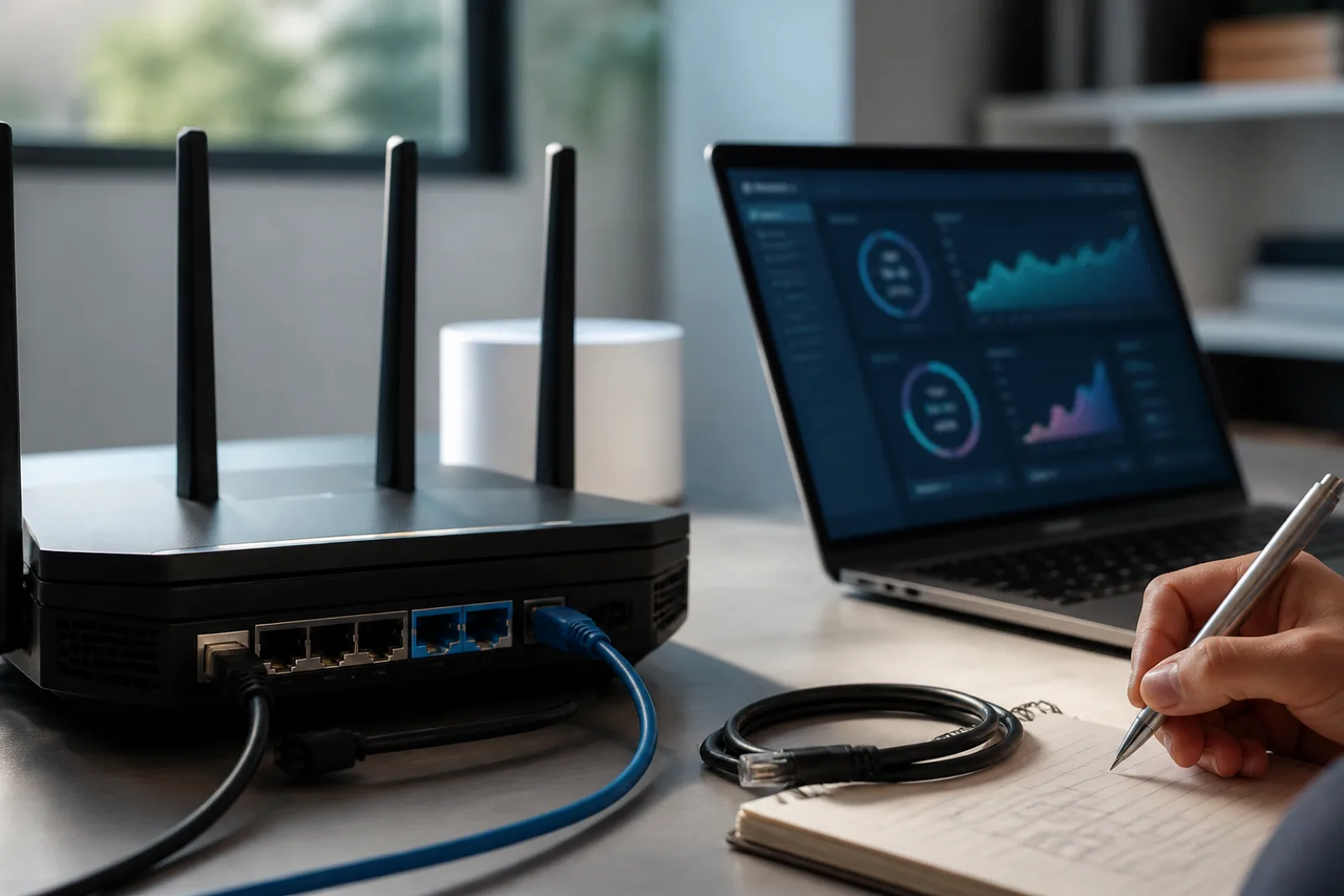
Wi-Fi 7 adds 320 MHz channels, 4K QAM, and Multi-Link Operation. At home, MLO can improve reliability when both ends support it. A new router will not outrun your ISP or fix a closet-mounted access point.
8 MIN
The weekly letter
CULTURE COLUMN in your inbox.
One useful story, a short edit of objects and ideas, and no manufactured urgency.