Most new-phone setup advice stops at "set a passcode." CISA's actual mobile security guidance goes considerably further, and includes at least one step that catches most people off guard: contacting your mobile carrier directly to set an account PIN, separate from your phone's own lock screen. That step exists because of a specific attack, SIM swapping, that a screen lock cannot defend against at all.
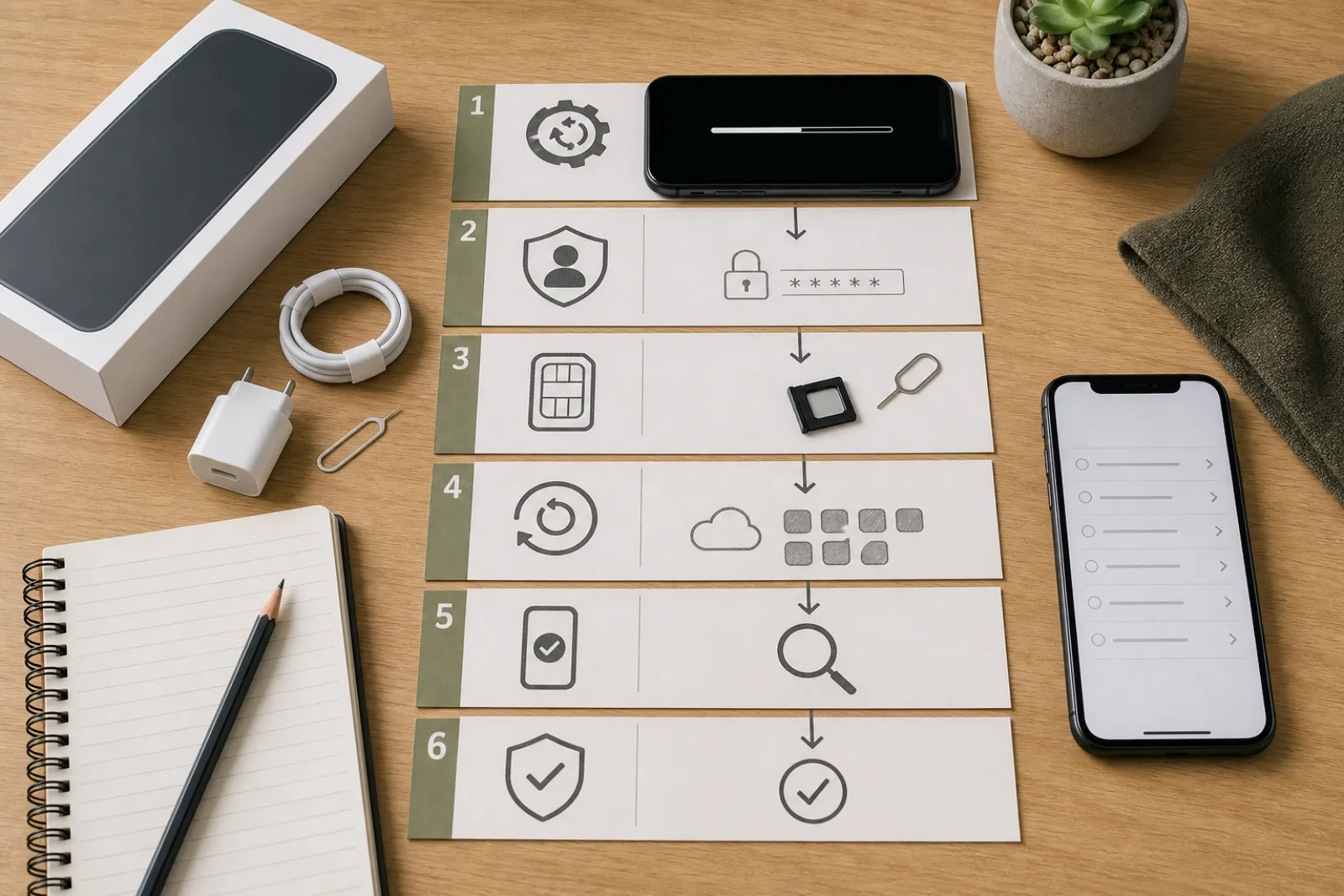
The order that actually matters
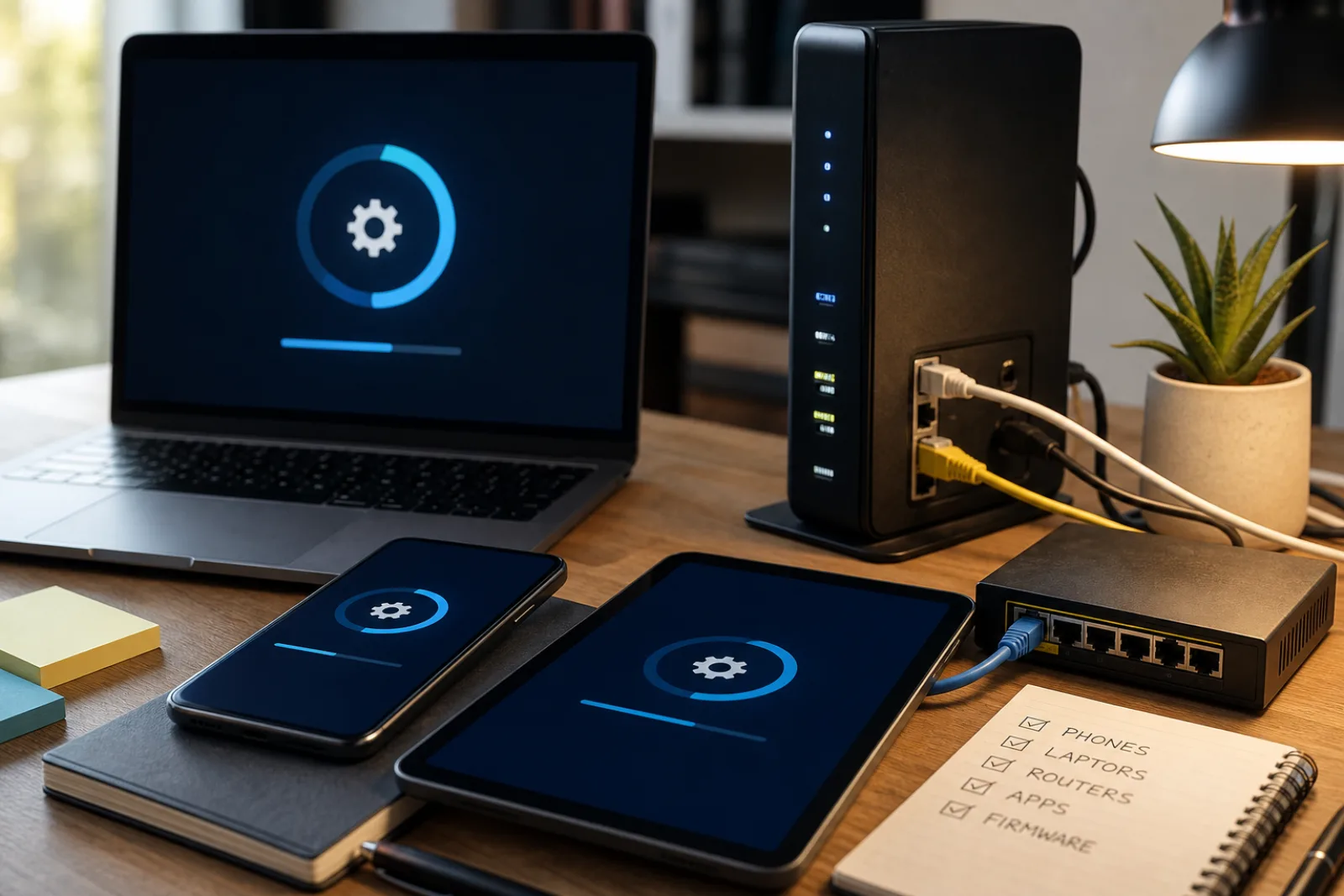
- 011. Update the operating system before anything else
Out-of-date software can carry known, exploitable vulnerabilities onto the new device from the first minute it's active, per CISA's guidance on app and OS updates.
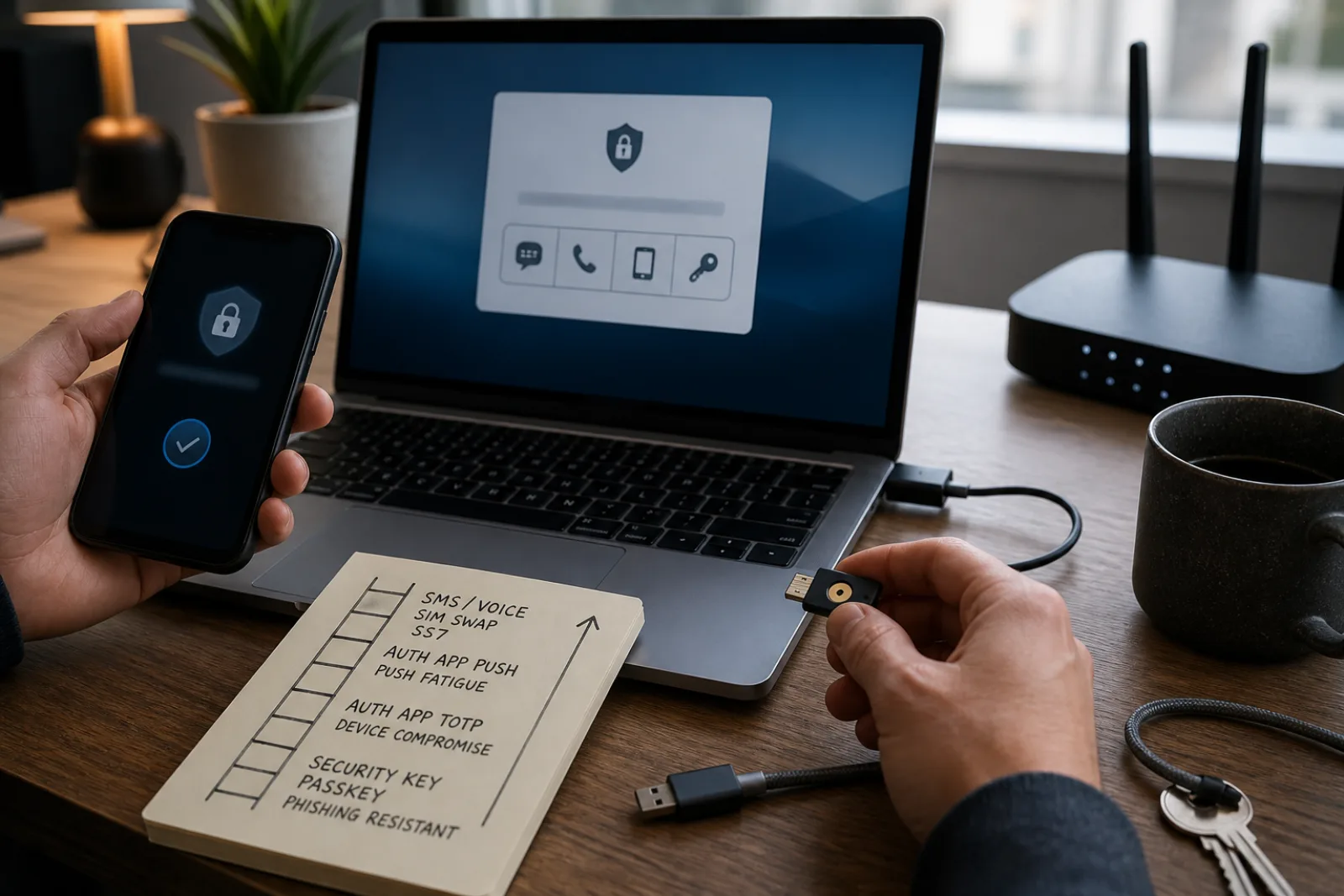
- 022. Secure the account you'll sign into, not just the device
Enable a strong sign-in method (a passkey where supported, or app-based multifactor authentication) on your primary account before restoring anything to the new phone.
- 033. Set a carrier account PIN
Contact your mobile carrier to set a PIN or passcode on the account itself, which CISA specifically recommends to block SIM-swapping, where an attacker convinces a carrier to transfer your number to a device they control.
- 044. Restore selectively, not automatically
Restoring a full backup carries forward every app permission and setting from the old phone, including ones you may not have reviewed in years.
- 055. Review app permissions after setup
Check location, camera, and microphone access specifically for each app, rather than accepting whatever was granted by default or carried over from the old device.
SIM swapping is worth explaining directly, since it's the reason the carrier-PIN step exists at all. An attacker who has gathered enough of your personal information can call or contact your mobile carrier, impersonate you, and convince a representative to transfer your phone number to a SIM card they control. Once that happens, any account that uses SMS text messages for account recovery or two-factor authentication is exposed, because the attacker is now receiving those texts, not you. A carrier account PIN adds a second piece of information an attacker needs beyond what's typically available through basic impersonation, which is exactly the gap CISA's guidance is closing.
The account-before-device sequencing matters for a related reason. A new phone is not a fresh start if the account it signs into is still using a weak recovery method, a reused password, or SMS-only two-factor authentication. CISA's guidance recommends phishing-resistant authentication (passkeys or hardware security keys) specifically because it removes the SMS interception risk entirely, not just the SIM-swap variant of it. Setting this up on the account before restoring anything to the new device means the new phone inherits the stronger setup, instead of temporarily reactivating the weaker one during the transfer.
New phone security checklist
- 01Install all available OS and carrier updates first
Before restoring apps or signing into accounts.
- 02Enable a passkey or authenticator-app MFA on your primary email account
Do this before, not after, restoring the new phone from backup.
- 03Call your mobile carrier to set an account PIN
This is separate from your phone's screen lock and specifically blocks SIM-swap attempts.
- 04Review location, camera, and microphone permissions per app
Check Settings > Privacy on both iOS and Android rather than accepting defaults.
- 05Confirm the old phone is wiped before disposal or trade-in
A factory reset should follow, not precede, transferring everything you need off it.
The short version
- 01
A carrier account PIN, set directly with your mobile provider, is a specific CISA recommendation that blocks SIM-swapping in a way a phone's own screen lock cannot.
- 02
Secure your accounts (phishing-resistant sign-in) before restoring the new device, so the phone inherits the stronger setup rather than temporarily reactivating a weaker one.
- 03
Review app permissions, especially location, camera, and microphone, after setup rather than accepting whatever carried over from the old phone.
Questions
- 01Is a carrier PIN the same as my phone's lock screen passcode?
No. A carrier PIN is set directly with your mobile provider (over the phone or through their app/website) and protects your account with the carrier itself, including changes like SIM transfers. Your phone's lock screen passcode only protects the device.
- 02Do I need to do this for a phone that's staying on the same account, not a new line?
The carrier PIN and account-security steps are relevant regardless of whether it's a new line or a device upgrade on an existing number, since SIM-swapping targets the phone number and account, not the specific hardware.