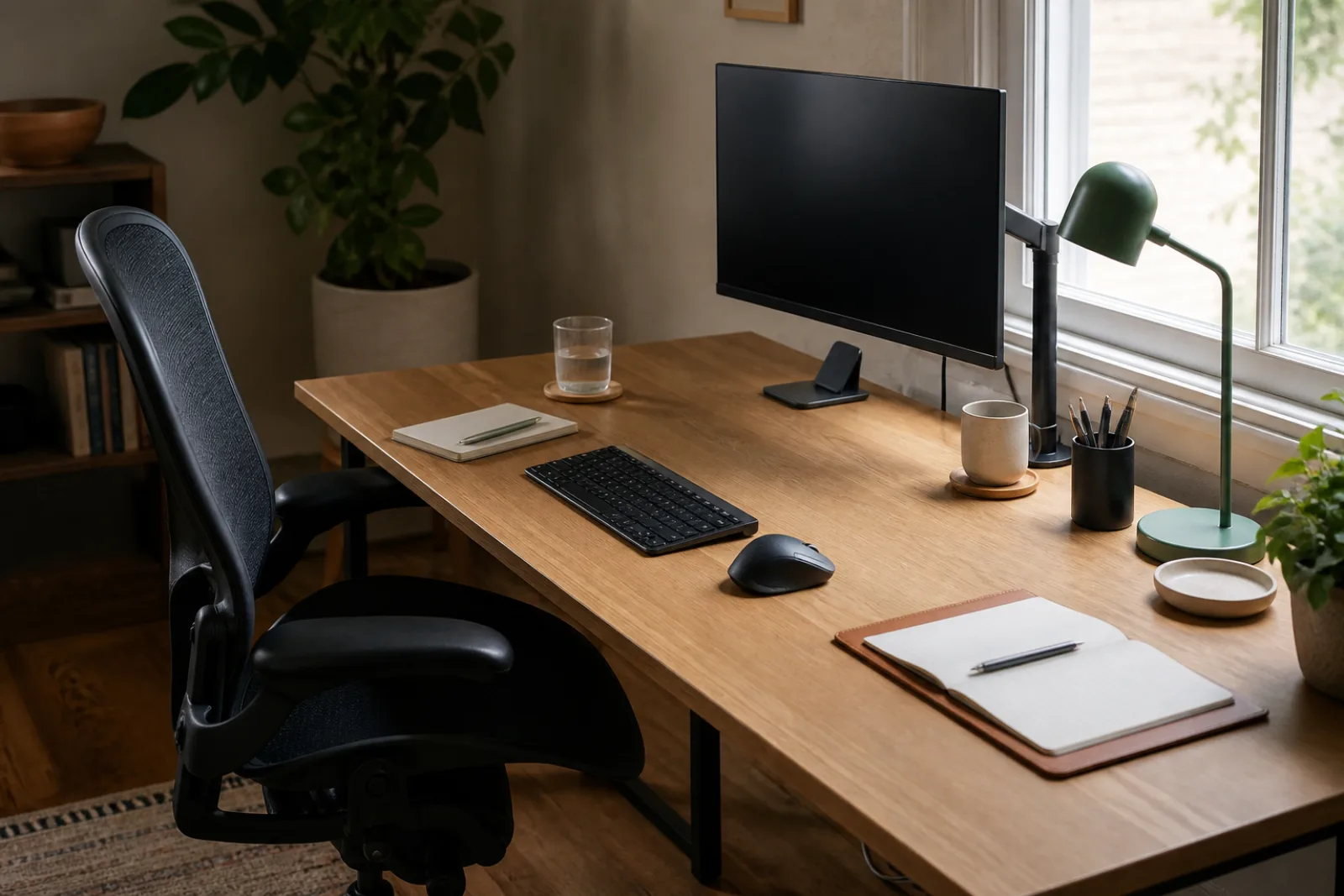
A desk can meet every ergonomic measurement and still be a bad tool. The monitor is at eye level, the keyboard is where the elbows want it, and you still cannot find a pen, cannot write a note without parking the keyboard in your lap, and cannot start the day until you move yesterday's mail. That is not posture. That is a surface that has no default layout.
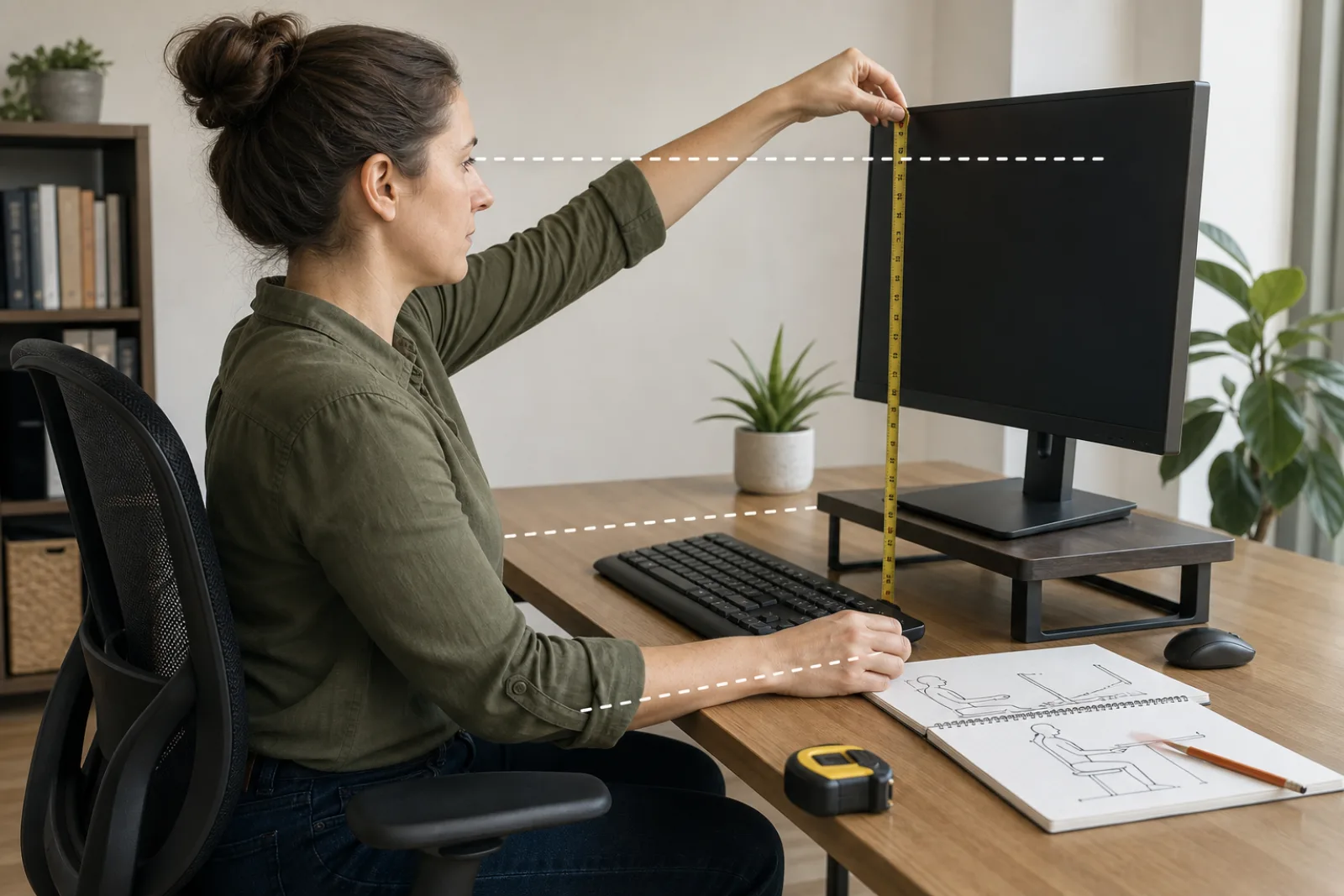
OSHA's computer-workstation numbers belong in the companion guide on setting up a workstation. This page assumes the chair, screen, and keyboard height are already in a tolerable place. What remains is what lives on the rectangle in front of you, and whether you can use it without a clearing ritual.
If you have to lean or stand to get it, it is not a daily tool. It is storage that happens to sit on the desk.
- 01Near (no lean, forearms on the desk)
Keyboard, pointing device, the one pen, maybe a notebook open to the current page, a cup that will not spill into the keys. This zone is expensive. Rent is paid in attention.
- 02Mid (one lean or a short slide of the chair)
Lamp, phone on a stand, a reference book, a dock you tap occasionally, headphones on a hook at the edge. Allowed to live here if you use them most days.
- 03Far / off the surface
Printer, extra cables, archival paper, decorative objects, the second notebook, the plant that needs a saucer. Drawer, shelf, or another piece of furniture. Not the near zone 'for now.'
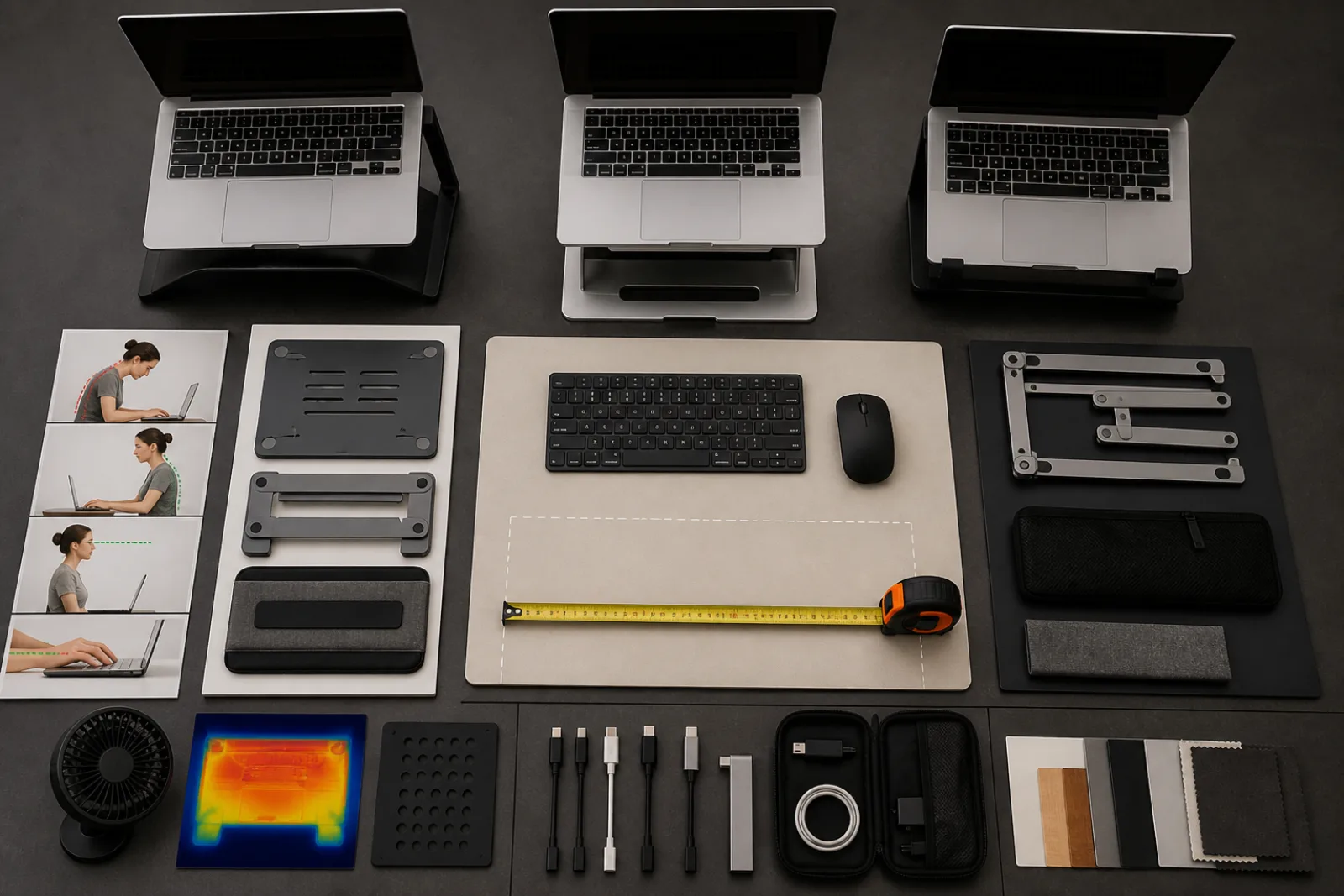
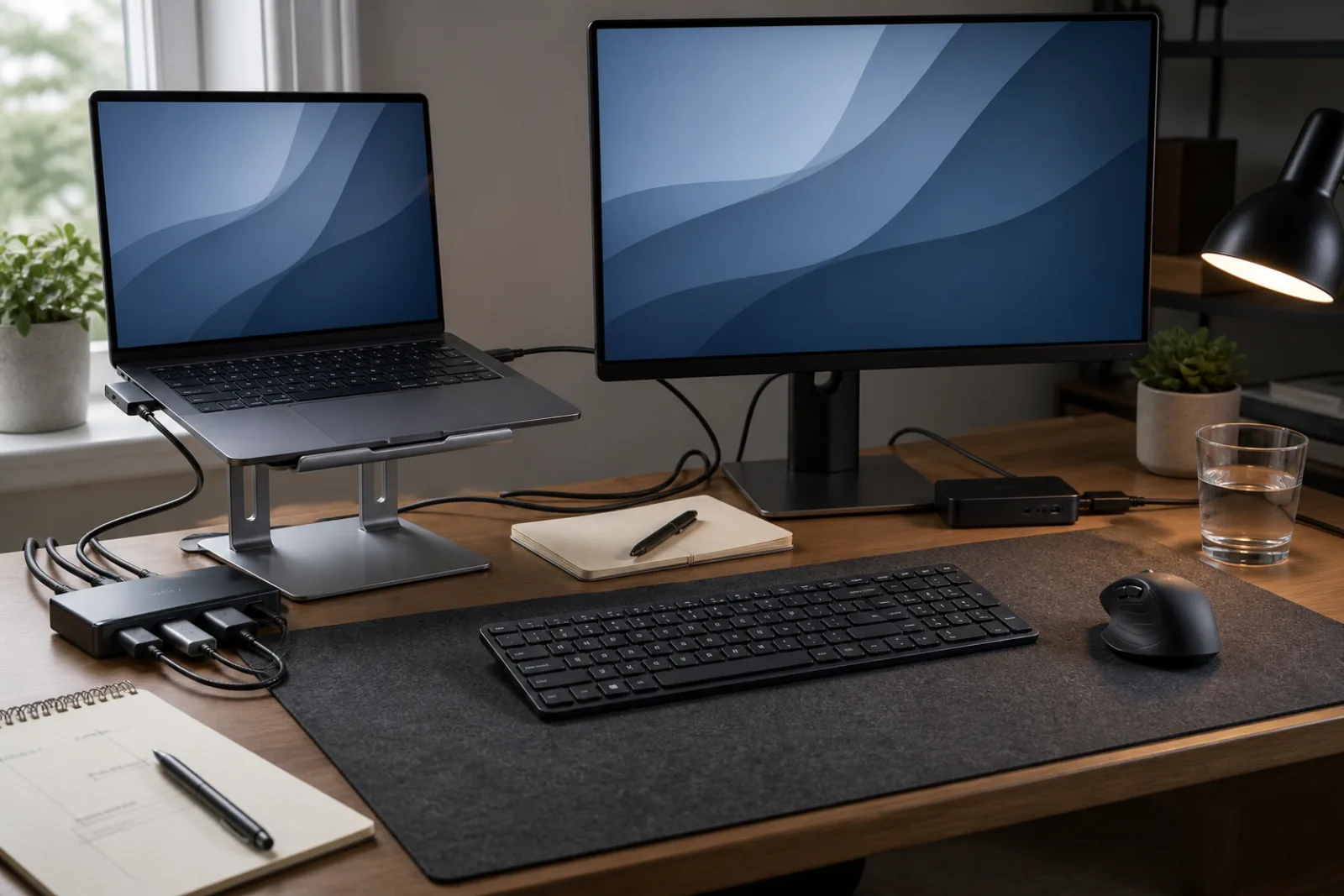
The fight between paper and keys is the usual failure. A laptop open in the middle of the desk occupies the only good writing spot. A separate keyboard and a laptop on a stand (or a monitor) frees the rectangle in front of you for either typing or a notebook, not both stacked. If you write by hand a lot, a shallow pull-out or a side table at the same height is more honest than pretending the keyboard will be moved 'when needed.' It will not.
Task light belongs in the mid zone, aimed at the page or the keyboard, not in your eyes and not behind the screen. The desk-lamp spec article covers the hardware. Here the rule is simpler: if you shade the page with your own hand, the lamp is on the wrong side. Right-handed writers usually want light from the left. Do not put the only lamp on the window side if that is also the glare side.
| Object | On the surface | Better home |
|---|---|---|
| The pen you use daily | Near zone, same place every time | A cup of twelve pens is not a home. It is a decision. |
| Mail, printouts, incoming paper | Only the one sheet in use | A tray off the near zone, emptied on a schedule, not a pile that is the desk |
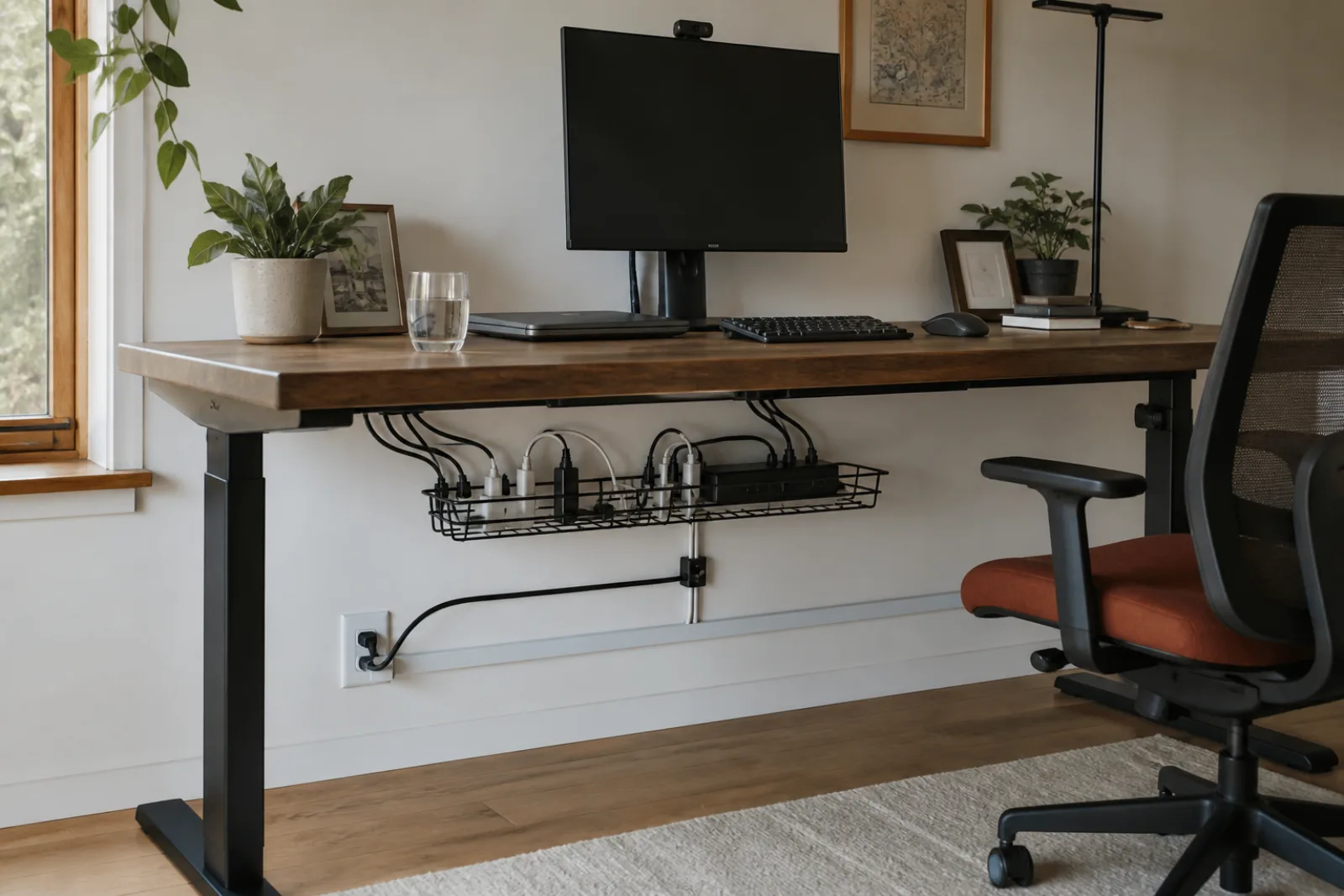
| Charging bricks and extra cables | Never, if you can help it | Under the desk. See the cable-clutter guide. |
| A plant, a speaker, a second display | Far edge, if they do not steal the writing patch | A shelf or a wall mount if the desk is already small |
| Snacks, vitamins, yesterday's mug | No | Kitchen. The desk is not a sideboard. |
A clear patch is not emptiness for its own sake. It is the space you put the thing you did not plan: a form, a device you are fixing, a book you are checking. If every inch is dedicated, that unplanned object lands on the keyboard. Leave a notebook-sized rectangle empty as a rule, the way a kitchen leaves a landing space next to the stove.
Drawers fail when they are unsorted near-zone overflow. A shallow drawer for the daily extras (stapler, extra pen, dongle) is mid-zone storage with a lid. A deep drawer that is a landfill is how the surface stays clean for a photograph and unusable by Thursday. If you cannot name what is in the drawer, it is not helping the desk.
Small desks need a vertical habit. A monitor arm recovers the depth behind the screen. A shelf or a pegboard on the wall recovers the mid zone without eating the near zone. Adding a second folding table in front of a too-small desk usually creates a new pile at a worse height. If the desk is genuinely too small for computer plus paper, the honest fix is a second surface, at the same sitting height, to the side, not a stack.
A 20-minute layout pass
- 01Clear to the wood or mat
Everything off. Wipe. You cannot layout a pile.
- 02Place the daily tools only
Keyboard, pointer, lamp, one pen, water. Sit and work for a minute. If you reach, move the object in, not your shoulder out.
- 03Choose the writing patch
Left or right of the keyboard, or in front if the laptop can close. Protect it. Nothing decorative goes there.
- 04Exile the rest
Drawer, shelf, under-desk, another room. If it comes back tomorrow, it still does not have a home. Give it one or stop owning it on this desk.
Layout is a reach problem
- 01
Daily tools in the near arc. Everything else is storage, even if it is sitting on the desk.
- 02
Stop making writing and typing share one rectangle without a plan.
- 03
Keep a clear patch. If starting work requires a reset, the layout is wrong, not your character.
Questions
- 01Is a standing desk the answer to a cluttered surface?
It changes height. It does not add a home for the mail. Convertible desks also shrink the usable depth when the keyboard tray is in the way. Fix the layout at sitting height first.
- 02What about a blotting pad or desk mat?
Useful if it defines the near zone and you like the feel. Harmful if it becomes a sticky note graveyard. A mat is a border, not a system.
- 03I have a tiny wall-mounted desk. Can this still apply?
Yes, more strictly. Near zone is the whole desk. Mid zone is the wall. Far zone is another room. One pen, a closed laptop, a lamp, and a clear patch may be the entire honest layout.