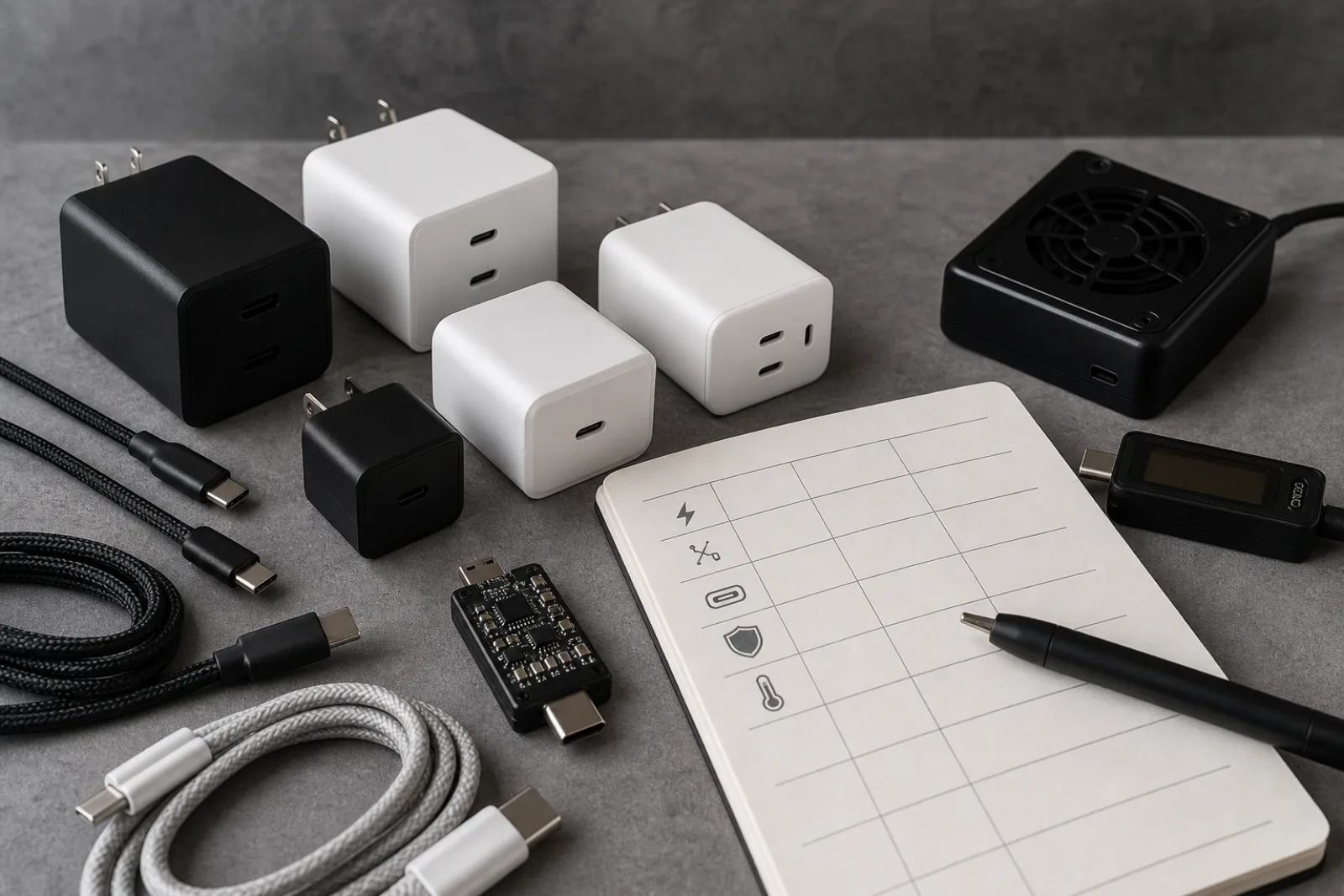
Two USB-C wall chargers can sit next to each other on a shelf, share the same connector, the same matte-black finish, and a price difference of three dollars, and still deliver completely different amounts of power to the same phone. The connector shape on the outside of a USB-C charger tells you almost nothing about what happens electrically once a cable is plugged in. What actually determines charging speed, and how safely that power gets delivered, is a set of standards most shoppers never see printed anywhere on the box: which USB Power Delivery profile the charger negotiates, how its ports split wattage when more than one device is connected, whether the cable carries the right chip to unlock full power, and which safety standard the unit has actually been tested against.
Culture Column has not bench-tested the chargers in this comparison; we have not run any unit under load with a power meter or checked its thermal behavior over time. What follows is a specification-literate guide: the real technical standards that govern USB-C charging, what a spec sheet has to say for a wattage claim to mean anything, and where marketing language tends to paper over a gap in the power actually delivered.
USB-C describes the shape of the connector: a reversible, oval 24-pin plug. It does not, by itself, specify how much power flows through that connector. A phone charger, a laptop charger, and a charger built into a cheap desk lamp can all use an identical USB-C port while supporting completely different charging behavior, because the actual power negotiation is handled by a separate protocol layered on top of the connector: USB Power Delivery, usually shortened to USB PD, maintained by the USB Implementers Forum.
USB PD organizes that negotiation into two ranges. Standard Power Range (SPR) covers everything up to 100 watts, using fixed voltage steps of 5V, 9V, 15V, and 20V, with the specification allowing up to 5 amps at 20V for that 100-watt ceiling. Extended Power Range (EPR), added in the USB PD 3.1 revision, adds three higher fixed voltage steps, 28V, 36V, and 48V, and raises the ceiling to 240 watts at 48V and 5 amps. A charger listing 100W or lower is working entirely within SPR; a charger claiming 140W, 200W, or 240W is using EPR, which requires additional hardware on both ends of the cable to negotiate safely.
- Standard Power Range (SPR)
- Fixed steps of 5V, 9V, 15V, or 20V; up to 100W (20V at 5A); covers nearly all phones, tablets, and many laptops
- Extended Power Range (EPR)
- Adds fixed steps of 28V, 36V, and 48V; up to 240W (48V at 5A); introduced in USB PD Revision 3.1 for high-draw laptops and displays
- Programmable Power Supply (PPS)
- Optional mode that fine-tunes output in roughly 20mV and 50mA increments instead of jumping between fixed voltages, used by some phone makers to reduce heat during fast charging
USB Implementers Forum, USB Power Delivery specification, accessed 2026-08-11
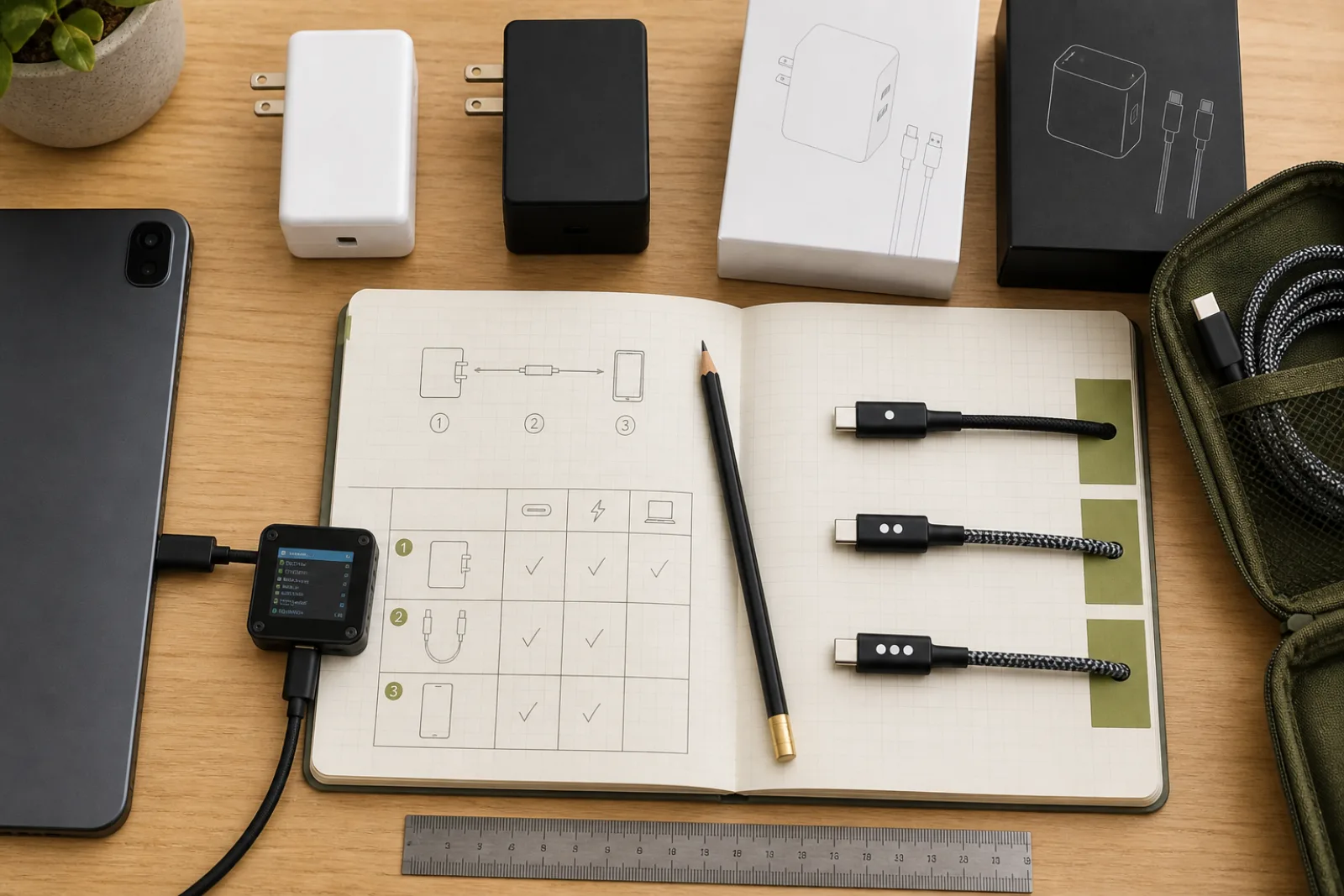
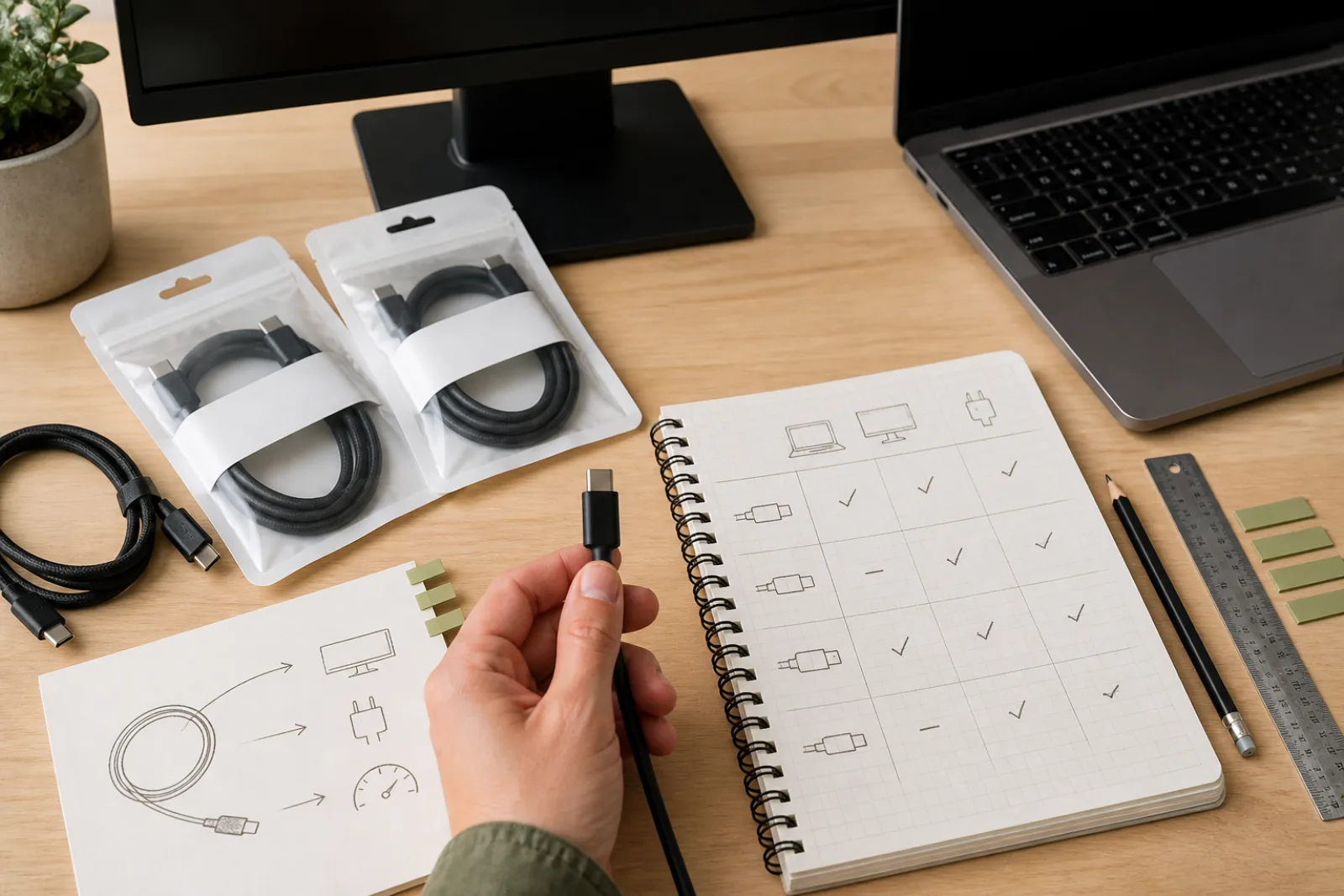
The charger's own capability is only half of the chain. USB-IF now certifies USB-C cable assemblies at only two power tiers: 60W (3 amps at 20V) and 240W (5 amps at 48V). Any cable rated to carry more than 60W, meaning any cable meant to carry 5 amps, must contain a small chip called an e-marker that electronically declares its rating to the charger and device during negotiation. Plug a 100W-capable charger and a 100W-capable laptop together with a cable that lacks that chip, and the connection will simply cap itself at 60W. Nothing will look broken. It will just charge slower than the hardware allows, with no error message explaining why.
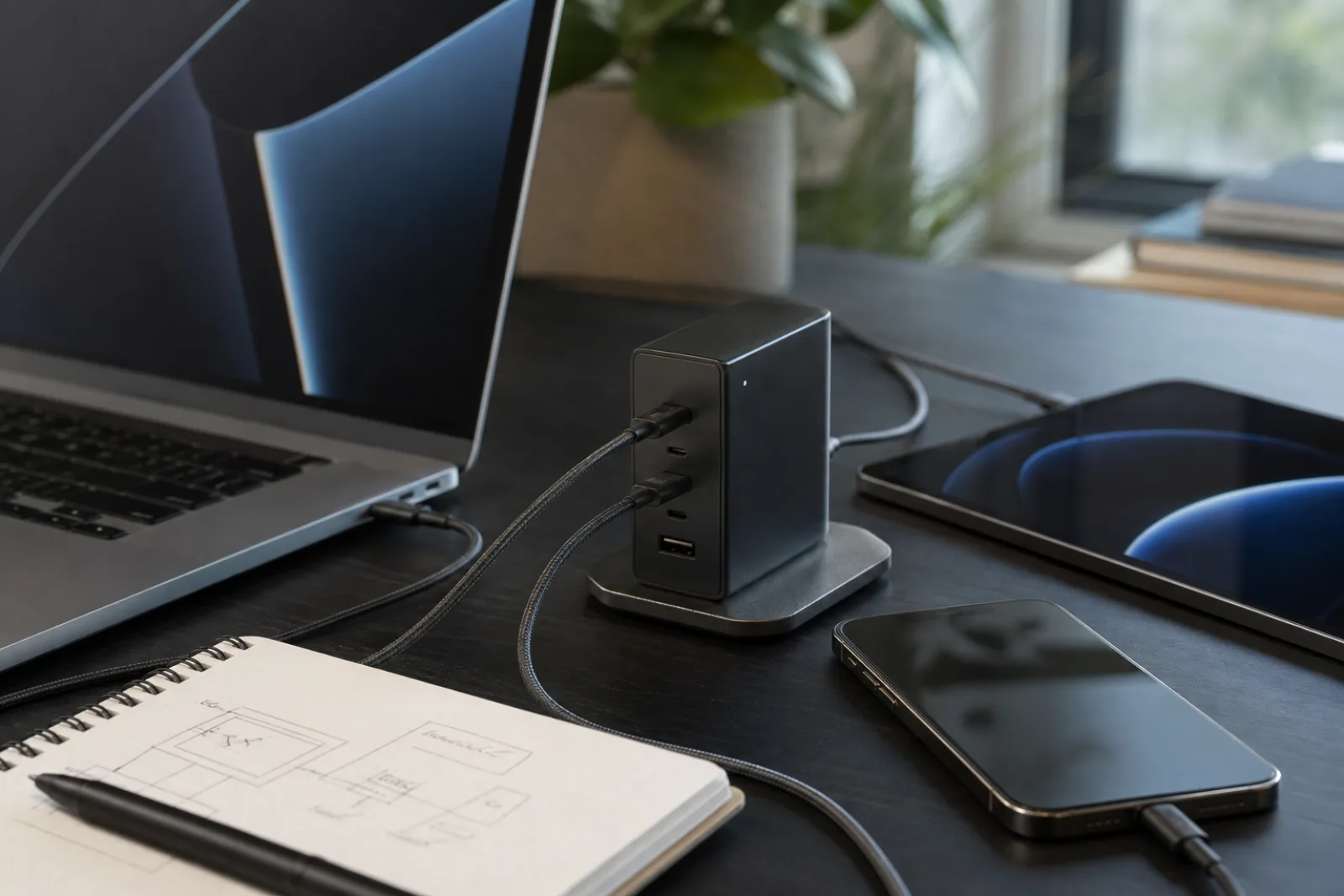
A wattage number printed on a multi-port charger almost always describes the combined output across every port, not what any single port can deliver at once. A charger labeled 65W with two USB-C ports typically cannot deliver 65W out of each port simultaneously; it might deliver the full 65W to whichever device is plugged in alone, then automatically split down to something like 45W and 20W the moment a second device joins. Some manufacturers fix that split at specific values per port; others use dynamic allocation that continuously renegotiates based on what each connected device is actually asking for. Neither approach is inherently better, but a spec sheet that lists only a single total wattage, without a per-port breakdown for two- and three-device scenarios, is withholding the number that matters most if you plan to charge more than one thing at a time.
| What the Label Says | What It Actually Means | What to Check |
|---|---|---|
| "65W charger" | Combined maximum across all ports, not per port | A per-port wattage breakdown, usually in a footnote or manual, not the headline number |
| "Up to 100W" | Best case: one port, one device, nothing else connected | What happens to that port's output when a second port is in use |
| "Fast charging on all ports" | Each port supports some negotiated protocol, not that all ports hit full wattage together | Whether allocation is fixed per port or dynamically shared across the whole unit |
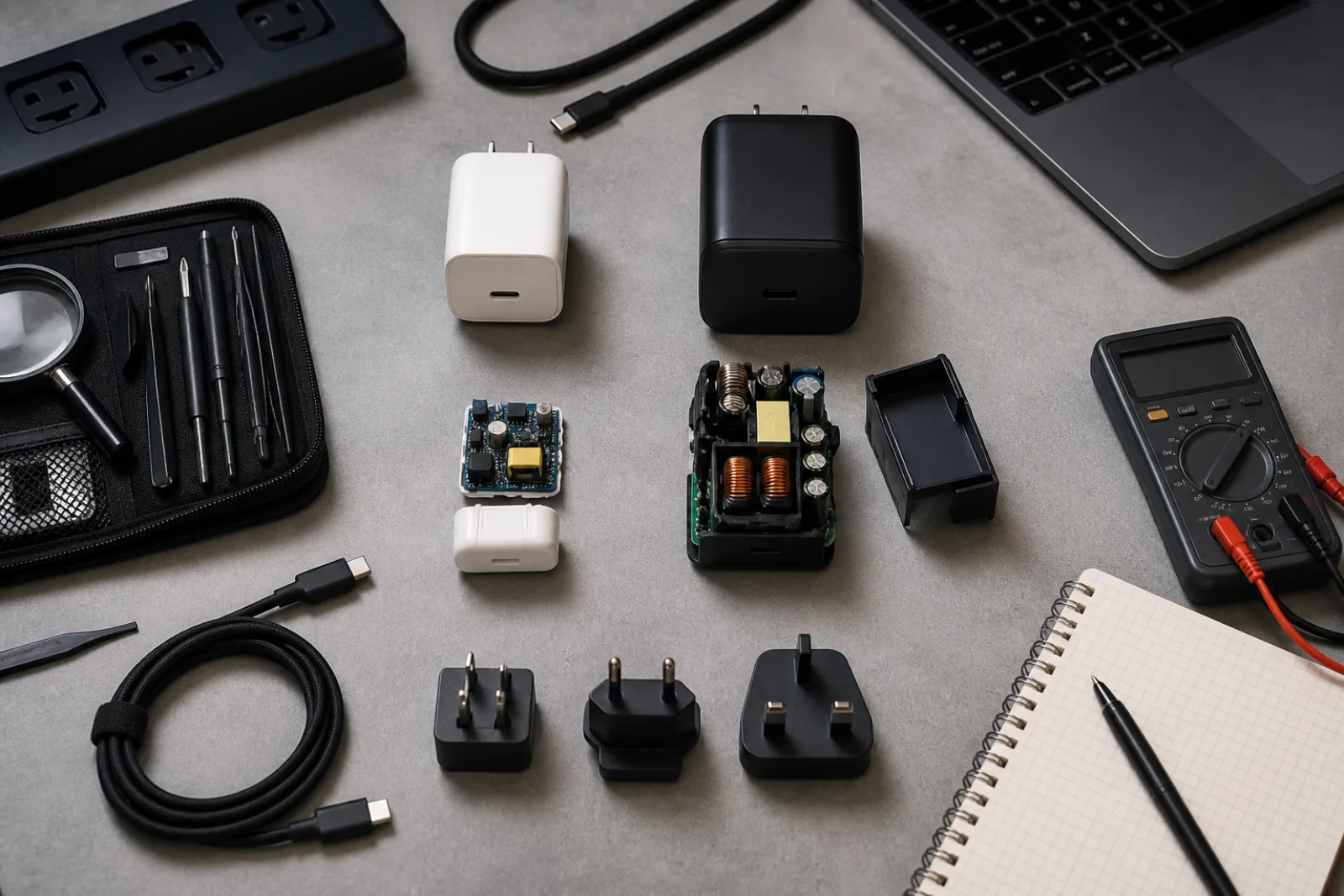
Gallium nitride (GaN) chargers have mostly replaced silicon-based designs at the high-wattage end of the market, and the difference is a genuine materials-science one, not just a marketing label. Gallium nitride has a wider electronic band gap than silicon, about 3.4 electron-volts versus 1.1, which lets GaN transistors switch current on and off at much higher frequencies while losing less energy as heat during each switch. In practice, a GaN charger can run cooler and pack the same wattage into a noticeably smaller case than an equivalent silicon design, because less internal volume has to be devoted to heat-dissipating components. That does not mean every GaN charger is automatically well-engineered, or that a silicon charger is automatically unsafe; band gap physics explains why GaN enables smaller, cooler high-wattage chargers, not whether any specific unit was built and tested well.
The push toward USB-C standardization has regulatory weight behind it now, too. The European Union's common charger rules require USB-C charging ports on phones, tablets, and similar devices sold in the EU since December 2024, extending to laptops from April 2026, with USB Power Delivery support required up to 240W for laptops that need it. That rule does not guarantee any specific charger you buy is well-made, but it does mean the connector's dominance is now a matter of law in a major market, not just a market trend.
| Factor | Silicon | Gallium Nitride (GaN) |
|---|---|---|
| Typical switching frequency | Lower | Significantly higher |
| Heat generated at high wattage | More; often needs a larger internal heat sink | Less, for a given wattage |
| Typical case size at 65W and above | Larger | Roughly 30-50% smaller in common product comparisons |
| Where it shows up today | Most sub-30W single-port chargers | Nearly all 65W-plus multi-port chargers currently sold |
Every USB-C charger sold in the U.S. is expected to meet UL 62368-1, the safety standard for information-technology power supplies. UL 62368-1 uses what its authors call hazard-based safety engineering: rather than a single pass or fail wattage test, it separately evaluates electrical, thermal, mechanical, radiation, and chemical hazard classes, and it treats 100 watts as a meaningful dividing line, products above that threshold fall into UL's higher-risk PS3 energy source class and get evaluated for a greater risk of ignition and fire spread than products below it. Separately, USB-IF runs its own voluntary Certified USB Charger logo program, which tests submitted chargers for interoperability and confirms the wattage on the box matches what the charger actually negotiates. Neither certification is legally mandatory for a charger to be sold, but their absence, no UL mark, no listed test lab, no traceable manufacturer, is a real signal in a category where a failure mode is a fire hazard, not just a slow charge.
Before you buy
- 01
The wattage printed on a multi-port charger is usually a combined total, not a per-port guarantee; check for a per-port breakdown before assuming a second device won't slow the first.
- 02
A cable needs its own e-marker chip to carry more than 60W; an unmarked cable silently caps a 100W-capable charger and device at 60W with no warning.
- 03
GaN and silicon describe a real difference in switching efficiency and heat, not a certification; UL 62368-1 and USB-IF's compliance program are the closer things to an actual safety and interoperability check.
Questions
- 01Does a higher-wattage charger charge my phone faster, or risk damaging the battery?
A charger only delivers as much power as the connected device negotiates and requests; a 100W charger plugged into a phone that only ever asks for 20W will not push extra power into it or damage the battery. The device, not the charger, sets the ceiling for a given connection.
- 02Do I need to buy a USB-IF certified charger specifically?
USB-IF's Certified USB Charger logo program is voluntary, and plenty of reputable chargers skip its fees and testing cycle without being unsafe. It is one useful signal among several, alongside a recognized safety mark like UL, CSA, or ETL, and a manufacturer that publishes real per-port wattage specifications.
- 03Is a GaN charger always better than a silicon one?
GaN generally allows a smaller, cooler-running case at high wattage, which matters most above roughly 45-65W and for multi-port chargers. For a single, low-wattage charger under about 20-30W, the practical difference between GaN and silicon is much smaller, and other factors, like certification and port allocation, matter more.