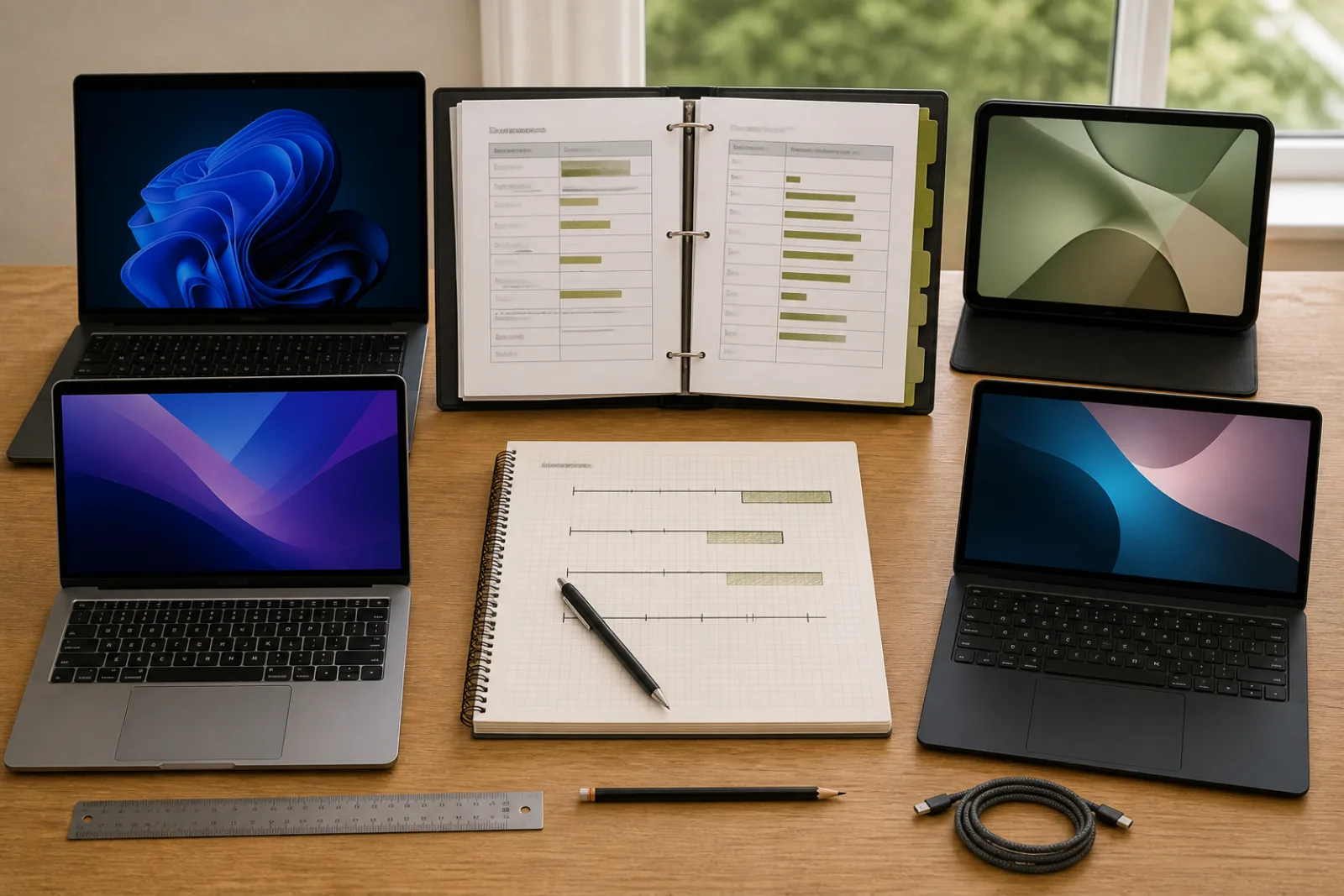
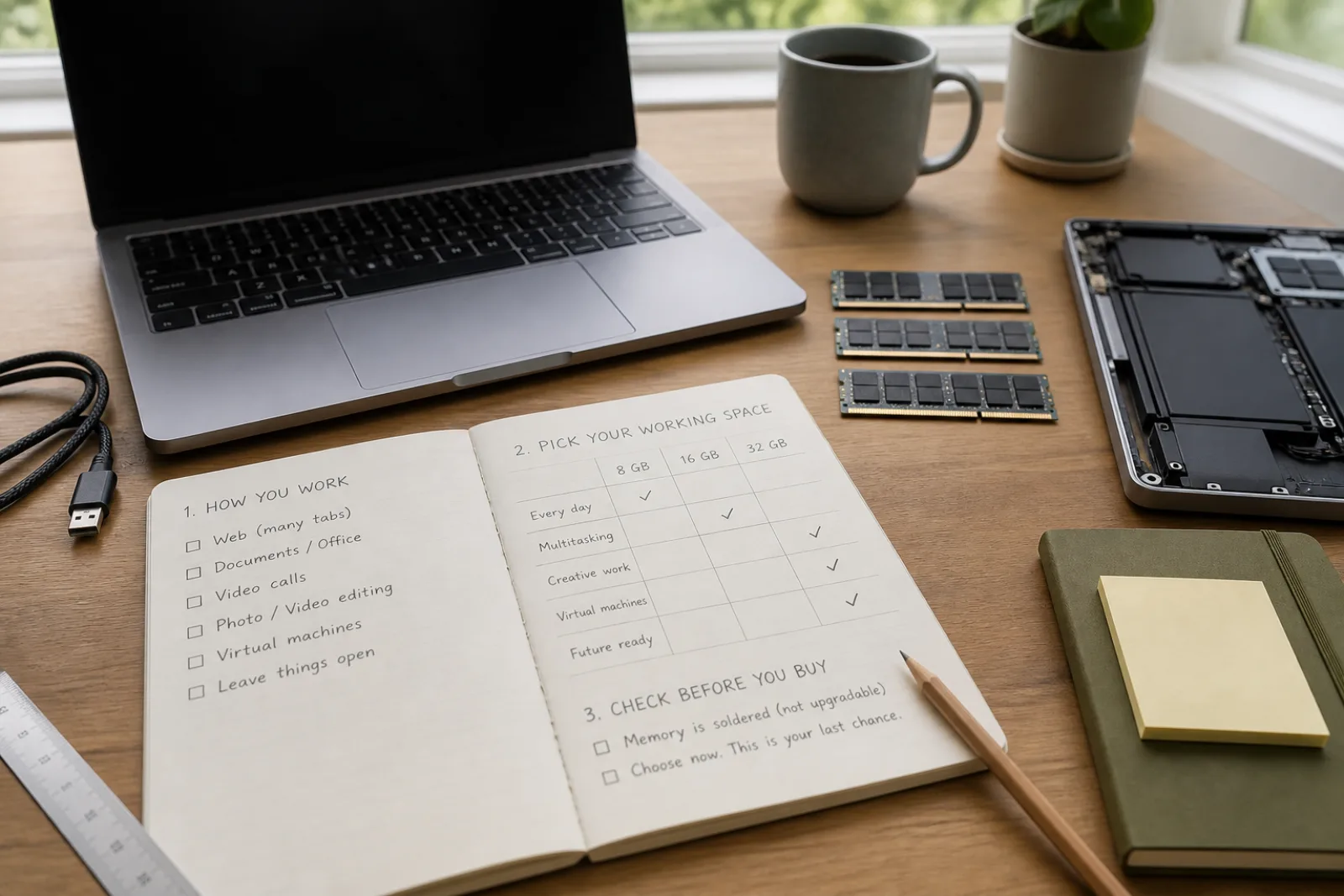
RAM is the desk, not the filing cabinet. When the desk is full, the computer uses the SSD as overflow, which is slow. Marketing still prints 8 GB next to a smiling student. Microsoft will still install Windows 11 in 4 GB. Those numbers are legally and technically true. They are also how people buy a laptop that feels exhausted before the battery does.
Two vendor documents are more honest than the adjective 'everyday.' Windows 11's Copilot+ class requires 16 GB. Apple's current MacBook Air, the M5 model whose tech specs Apple published for 2026, starts at 16 GB of unified memory. When both mass-market lines treat 16 GB as the real starting point for their current machines, an 8 GB Windows SKU is a discount configuration, not a recommendation.
| Amount | What a vendor will say | What it feels like in 2026 |
|---|---|---|
| 4 GB | Windows 11 can install (Microsoft minimum) | A compatibility checkbox. Not a laptop you should buy for work. |
| 8 GB | Still common on budget Windows; some older Macs | Boots, streams, light docs. Gets tight with many browser tabs plus a meeting app plus a second project. Fine for a kiosk. Risky for a four-year daily driver, especially if soldered. |
| 16 GB | Copilot+ PC requirement; M5 MacBook Air base | The practical floor for a keepable laptop: browser, documents, mail, a call, a bit of leftover. |
| 32 GB | M5 Air configurable max; workstation Windows configs | VMs, large Lightroom or Premiere projects, many IDEs. Not required to write email. Cheap insurance if the RAM cannot be upgraded later. |
Pick at checkout, because you may not pick later
Can this laptop's RAM be upgraded after purchase (SODIMM slots, not soldered LPDDR)?
- 01No, it is soldered (most ultrabooks, all current MacBooks)
Buy the amount you will want in year three. Default to 16 GB. Step to 32 GB if you already know you run VMs or heavy creative tools, or if the upcharge is small relative to replacing the machine.
- I only browse and write16 GB. 8 GB saves money now and spends it as irritation later.
- 02Yes, there are user-accessible slots
You can start at 16 GB if the price gap to 32 GB is large, and add later. Confirm the maximum the firmware allows, and that one slot is free. 'Upgradeable' on a spec sheet sometimes means the factory filled both slots with 8 GB sticks.
- Both slots are already full of small sticksTreat it as soldered. You would throw away the factory RAM to go bigger.
Unified memory on Apple silicon is not a magic 2x multiplier you can take to the bank. It is a shared pool with high bandwidth, which helps. Apple still moved the Air's starting configuration to 16 GB. That is the tell. Do not buy an older 8 GB Mac and tell yourself the architecture makes it 16. It makes 8 GB more usable than 8 GB on a bloated Windows install. It does not make 8 GB spacious.
Chrome, Edge, and Safari will use whatever you give them. That is not a moral failing of the browser. It is why RAM is the upgrade that still matters after the CPU generation on the box has been forgotten. Storage (the SSD) is for files. If the machine stutters when you alt-tab, you are short of RAM or the SSD is dying. Task Manager or Activity Monitor will show which.
How long a laptop receives software support is the other clock. Cheap 8 GB Windows 11 machines sometimes also have CPUs that will struggle to stay on future feature updates. Spend on RAM and on a CPU Microsoft still likes, not on a backlight that sparkles.
16 GB unless you know why not
- 01
4 GB is an install minimum. 16 GB is the 2026 keepable floor, aligned with Copilot+ and the current MacBook Air base.
- 02
Soldered means the checkout screen is the upgrade window.
- 03
32 GB is for heavy jobs, not for status.
Questions
- 01Can I use a 4 GB machine if I only check email?
You can. Browsers and the OS will still fight for that 4 GB. A used 16 GB machine is usually the kinder cheap option.
- 02Does more RAM make the CPU faster?
Not directly. It stops the CPU from waiting on the SSD. If you are already not swapping, extra RAM sits unused. That unused RAM is still cheaper than a new laptop in year two.
- 03Is 16 GB enough for Photoshop?
For many photo jobs, yes. For huge files, many layers, or video, Adobe's own app requirements climb. If you already know you work that way, 32 GB is the quieter life.